icccomputercentre.com

Web Development 2025 – Full Stack Development Training

Master the art of Web Development with HTML, CSS, JavaScript, React, Node.js, MongoDB & PHP. Learn to build Dynamic Websites, E-commerce Platforms, Business Portals, Web Applications & APIs with 100% practical training and certification.

📍 Dwarka Mor | 100% Practical + Career-Oriented Course

Course Overview

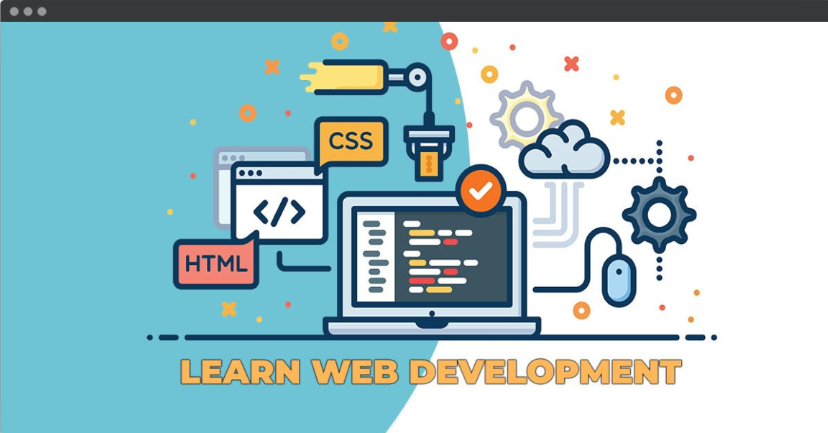
The Web Development Course at ICC Computer Centre, Dwarka Mor is designed to train students in creating dynamic, interactive, and fully functional websites and web applications. Unlike web design, which focuses on visuals and layout, web development covers both the front-end (user interface) and back-end (server-side programming) aspects of a website.

Students will learn HTML, CSS, JavaScript, Bootstrap, React.js, Node.js, PHP, MySQL, and more to develop modern websites and applications. The course also covers database management, API integration, hosting, and deployment to ensure complete project development skills.

By the end of the course, learners will be able to build responsive websites, e-commerce platforms, blogs, and customized web applications. The training includes hands-on coding projects, real-world assignments, and portfolio development, making students job-ready for IT companies, startups, and freelancing opportunities.

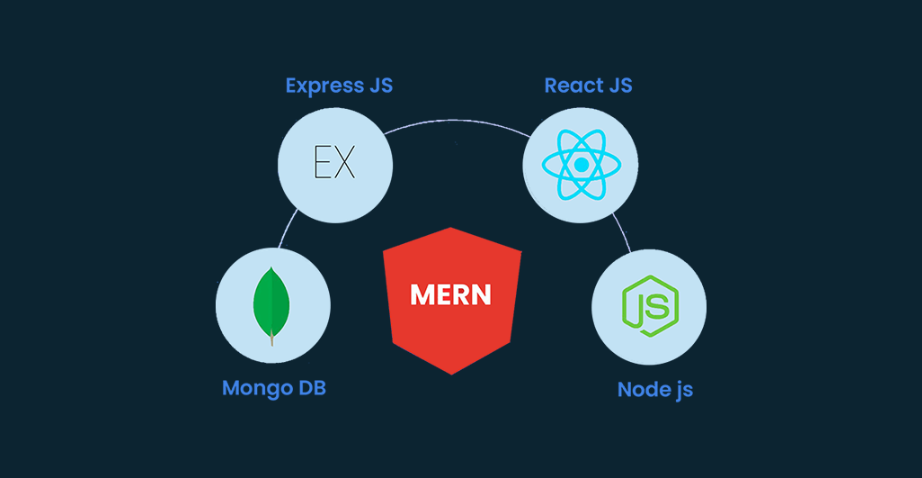
📘 Web Development (MERN Stack)

Course Content

1. Introduction to Web Development
  • Web Development kya hai (Frontend, Backend, Full Stack)

  • Client-Server Architecture

  • Static vs Dynamic Websites

  • Introduction to MERN Stack

  • HTML Basics & Structure

  • Tags, Elements & Attributes

  • Forms, Tables & Multimedia

  • Semantic HTML

  • Best Practices

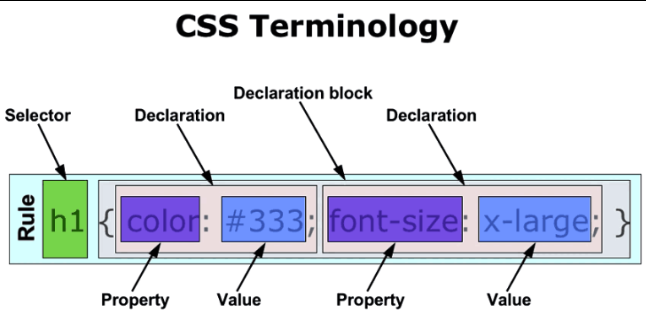
  • CSS Syntax & Selectors

  • Box Model & Positioning

  • Flexbox & Grid Layout

  • CSS Transitions & Animations

  • Responsive Design with Media Queries

  • Variables, Data Types & Operators

  • Loops & Conditional Statements

  • Functions & Scope

  • DOM Manipulation

  • Events Handling

  • ES6 Features (Arrow Functions, Let/Const, Spread, Rest)

  • Array & Object Methods

  • Asynchronous JS (Callbacks, Promises, Async/Await)

  • Error Handling & Debugging

  • JSON & APIs

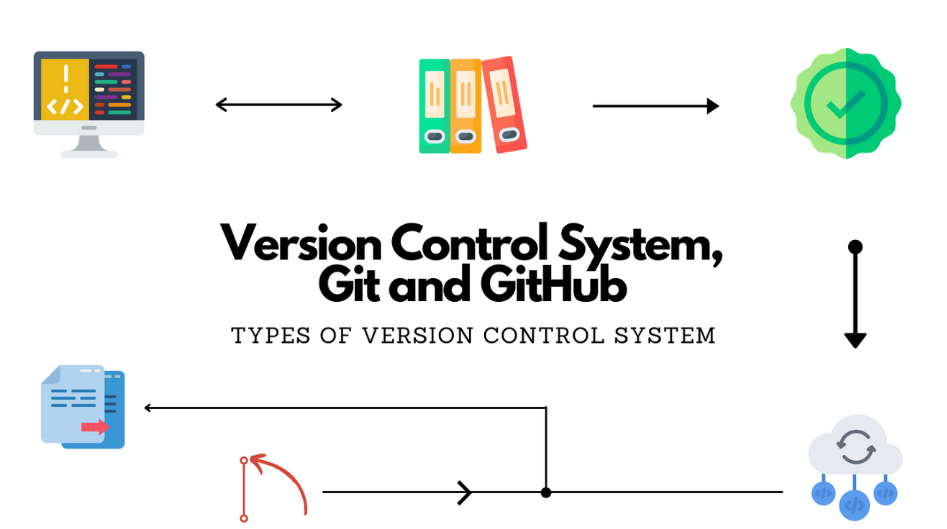
  • Introduction to Git

  • Git Commands (clone, commit, push, pull)

  • Branching & Merging

  • GitHub Repositories

  • Collaboration with GitHub

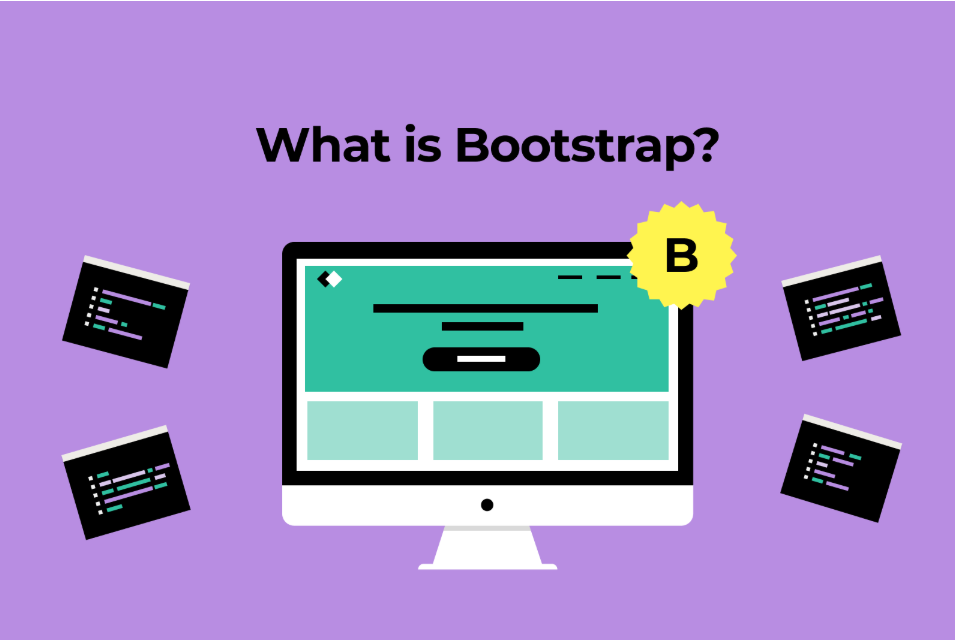
  • Introduction to Bootstrap

  • Grid System & Layouts

  • Components (Navbar, Cards, Buttons, Forms)

  • Utilities & Helpers

  • Building Responsive Websites

  • React Basics & JSX

  • Components (Class & Functional)

  • Props & State

  • Rendering & Lifecycle Methods

  • React Hooks Basics

  • useState, useEffect, useContext

  • React Router (Navigation & Routing)

  • Forms & Controlled Components

  • Context API & Redux Basics

  • Reusable Components & Optimization

  • Introduction to Node.js

  • Node.js Modules

  • NPM (Node Package Manager)

  • File System & Streams

  • Event-driven Programming

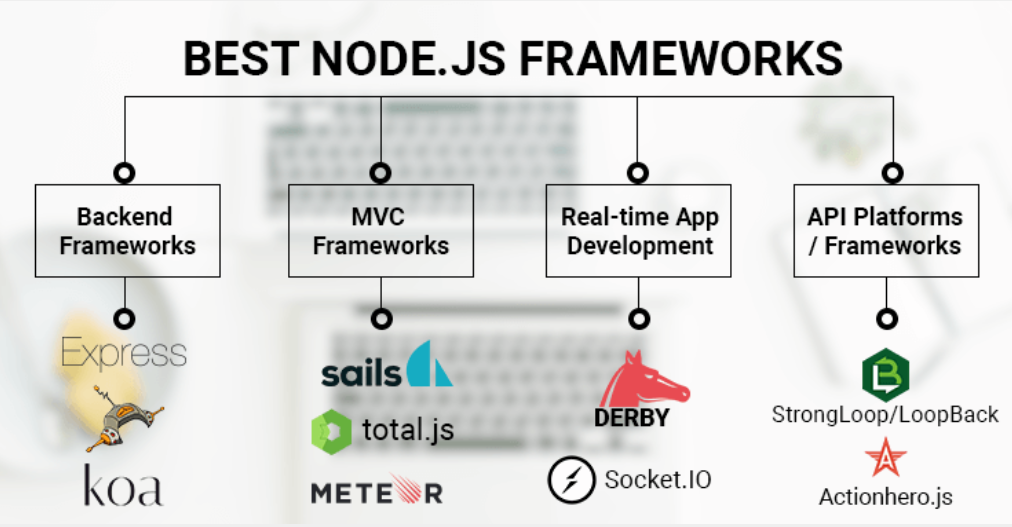
  • Introduction to Express.js

  • Middleware Functions

  • RESTful APIs

  • Routing & Parameters

  • Error Handling

  • Introduction to NoSQL Databases

  • MongoDB Installation & Compass

  • CRUD Operations (Create, Read, Update, Delete)

  • Collections & Documents

  • Data Modeling & Schema Design

  • Connecting MongoDB with Node.js

  • Schema & Models in Mongoose

  • Queries & Validation

  • Relationships in MongoDB

  • Aggregation Framework

  • JWT (JSON Web Tokens)

  • Password Hashing (bcrypt)

  • User Authentication (Signup, Login)

  • Middleware for Authentication

  • Security Best Practices

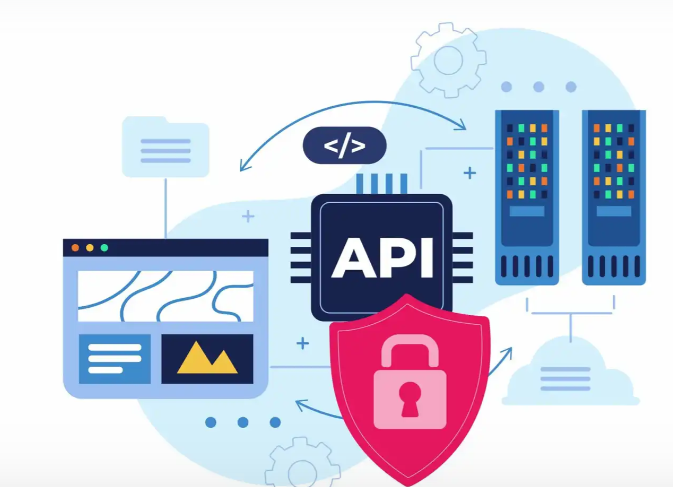
  • REST API Concepts

  • Creating API with Express.js

  • CRUD API with MongoDB

  • Testing APIs with Postman

  • API Security & Documentation

  • Introduction to Deployment

  • Hosting Frontend on Netlify/Vercel

  • Hosting Backend on Render/Heroku

  • MongoDB Atlas (Cloud Database)

  • Environment Variables & Config

  • Introduction to Agile & Scrum

  • Trello/Jira for Project Tracking

  • Collaboration with Teams

  • Wireframing & Prototyping

  • Documentation

  • Axios for API Calls

  • Lodash & Moment.js

  • React Bootstrap / Material UI

  • State Management with Redux

  • Form Validation Libraries

  • Building a Real-World Application (E-commerce / Blog / Social Media Clone)

  • User Authentication & Authorization

  • CRUD Operations

  • Payment Gateway Integration (Stripe/PayPal)

  • Deployment on Cloud

  • Resume Building for Developers

  • GitHub Portfolio & Projects

  • Interview Preparation (DSA Basics + MERN Q&A)

  • Freelancing Platforms (Upwork, Fiverr)

  • Open Source Contribution

Why Choose ICC Computer Centre, Dwarka Mor?

  • Experienced & certified trainers

  • 100% practical training on latest Web Development 

  • Small batches for personal attention

  • Free study material & practice exercises

  • Flexible timings (Morning/Evening/Weekend)

  • Location advantage: Just 2 min walk from Dwarka Mor Metro Station

Who Can Join This Course?

  • Students (10th / 12th Pass) – Who want to start learning coding and web technologies.

  • College Graduates – Looking for career opportunities in IT and software development.

  • Aspiring Developers – Who want to become front-end or back-end developers.

  • Web Designers – Who want to upgrade from design to development and coding.

  • IT & Computer Science Students – Who need practical skills along with their academic studies.

  • Working Professionals – Planning to switch careers into the software/IT field.

  • Entrepreneurs & Business Owners – Who want to build and manage their own websites/web apps.

  • Freelancers – Looking to offer web development services globally.

  • Digital Marketers – Who want to understand technical website development for SEO & campaigns.

  • Anyone Interested in Coding – Who enjoys problem-solving and wants to learn programming for the web.

Course Duration & Mode of Learning

  • Duration: 12 months (can be customized)
  • Mode: Classroom training at Dwarka Mor + Online classes available
  • Flexible batch timings (morning/evening/weekend)

Career Opportunities After the Course

  • Front-End Developer – Designing and developing interactive website interfaces using HTML, CSS, JavaScript, React.js, etc.

  • Back-End Developer – Building server-side applications with Node.js, PHP, MySQL, MongoDB, etc.

  • Full-Stack Developer – Handling both front-end and back-end for complete web application development.

  • Web Application Developer – Creating dynamic web-based apps, portals, and dashboards.

  • WordPress / CMS Developer – Designing websites using WordPress and other Content Management Systems.

  • UI/UX Developer – Focusing on user experience and front-end performance optimization.

  • Software Developer (Web Technologies) – Working on web-based software solutions for companies.

  • Freelance Web Developer – Offering services globally on platforms like Fiverr, Upwork, and Freelancer.

  • E-Commerce Developer – Building online stores and shopping platforms with WooCommerce, Shopify, Magento, etc.

  • Startup/Entrepreneurship Opportunities – Launching your own web development agency or product.

FAQs (Frequently Asked Questions)

1. What is the difference between Web Design and Web Development?

  • Web Design focuses on visual layout, graphics, and UI, while Web Development involves coding, databases, and server-side functionality.

  • Yes, the course covers front-end, back-end, and full-stack development.

  • Yes, you can work as a Front-End Developer, Back-End Developer, or Full-Stack Developer.

  • Because ICC offers expert trainers, live projects, certification, flexible batches, and career support, ensuring you become job-ready.

Scroll to Top