icccomputercentre.com

Web Design 2025 – HTML, CSS, JavaScript + UI/UX Training

Master the art of Modern Web Design & Development with HTML, CSS, JavaScript, and UI/UX tools. Learn to design Responsive Websites, Landing Pages, Portfolio Sites, E-commerce Stores & Creative UI Projects with 100% practical training and certification.

📍 Dwarka Mor | 100% Practical + Career-Oriented Course

Course Overview

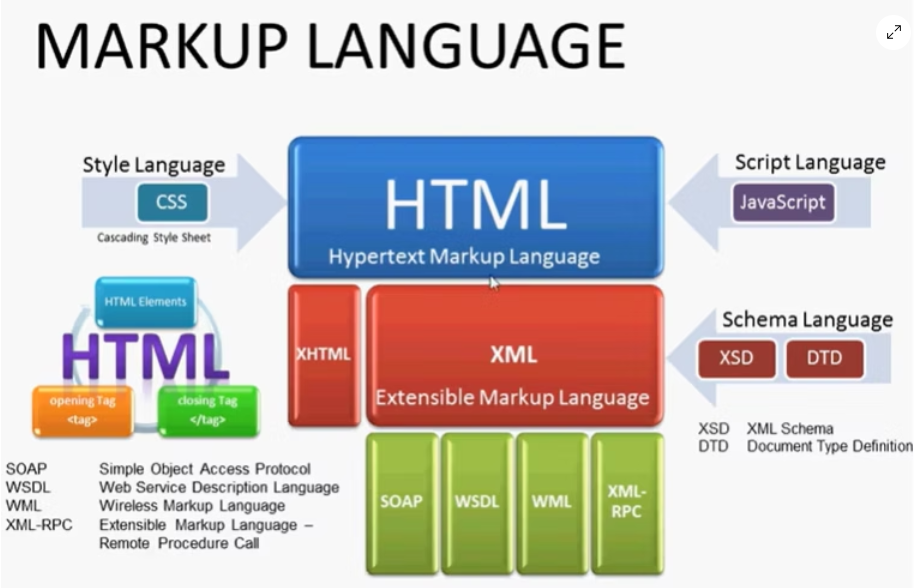
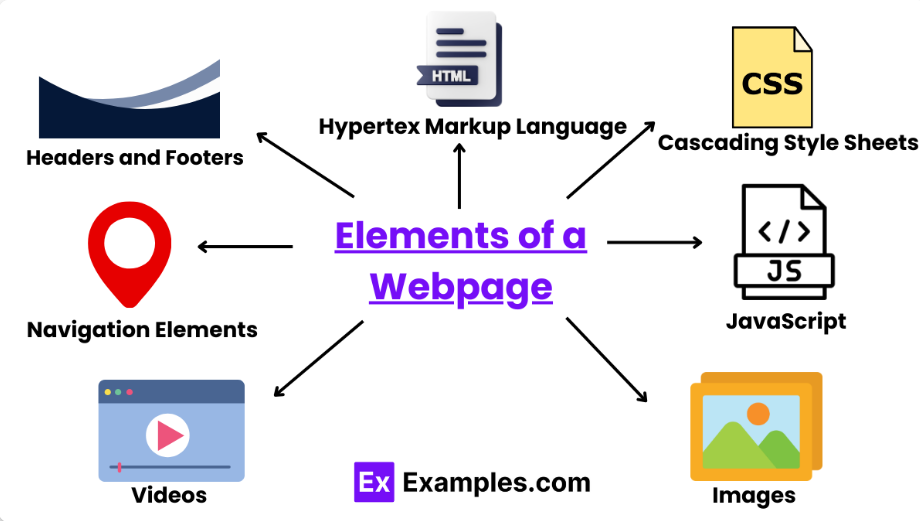
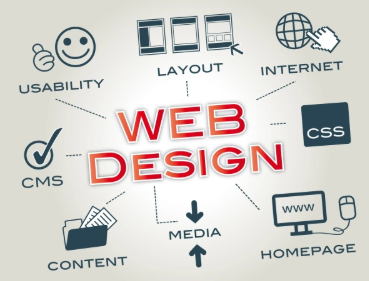
The Web Design Course at ICC Computer Centre, Dwarka Mor is designed to teach students how to create modern, user-friendly, and responsive websites. The course covers the fundamentals of HTML, CSS, JavaScript, Bootstrap, and UI/UX design principles, along with advanced tools for creating professional websites.

Students will learn how to design static, dynamic, and interactive websites, focusing on layout design, typography, color schemes, graphics integration, and mobile-friendly development. Special emphasis is given to SEO-friendly designs, cross-browser compatibility, and responsive web design techniques.

By the end of the course, learners will be able to design and build portfolio websites, business websites, e-commerce platforms, and blogs with a professional touch. The training also includes hands-on projects, so students graduate with strong practical skills and a work-ready portfolio.

Course Content

1. Introduction to Web Design

  • Web Design vs Web Development

  • Static vs Dynamic Websites

  • Role of UI/UX in Web Design

  • Tools required for web designing

  • Planning a Website Layout

  • Introduction to HTML Structure

  • Headings, Paragraphs, Links

  • Images, Videos, and Media Embedding

  • Forms and Input Elements

  • Tables and Lists

  • Semantic HTML5 Tags

  • Inline, Internal & External CSS

  • Colors, Backgrounds, Borders

  • Fonts and Typography

  • Box Model (Margin, Padding, Border)

  • Flexbox and Grid Layouts

  • CSS Animations & Transitions

  • Media Queries for Mobile Devices

  • CSS Variables & Custom Properties

  • Positioning (Relative, Absolute, Fixed)

  • Pseudo-classes & Pseudo-elements

  • CSS Shadows, Gradients, and Effects

  • Best Practices for Cross-Browser Support

  • Introduction to JavaScript

  • Variables, Data Types, Operators

  • Functions and Events

  • DOM (Document Object Model) Manipulation

  • Conditional Statements & Loops

  • Form Validation with JavaScript

  • Event Listeners and Handlers

  • Arrays and Objects

  • ES6 Features (Let, Const, Arrow Functions)

  • Fetch API & JSON Basics

  • Local Storage and Session Storage

  • Introduction to jQuery (Optional)

  • Introduction to Bootstrap

  • Bootstrap Grid System

  • Buttons, Forms, and Tables

  • Navbar and Navigation Components

  • Modals, Carousels, and Accordions

  • Responsive Design with Bootstrap

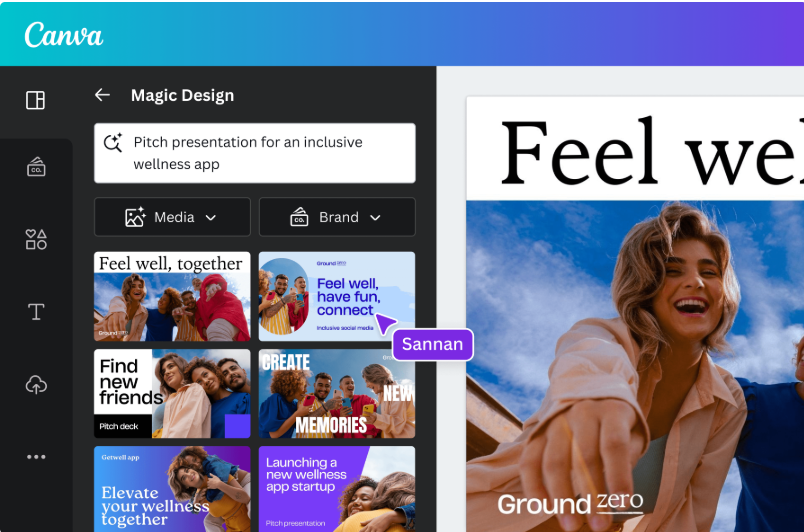
  • Introduction to Canva

  • Creating Web Banners & Posters

  • Designing Social Media Graphics

  • Customizing Website Templates

  • Exporting Graphics for Web

  • Photoshop Interface Overview

  • Image Editing & Retouching

  • Designing Website Mockups

  • Creating Web Icons & Buttons

  • Exporting Web-Optimized Images

  • Designing a Complete Website Layout

  • Integrating HTML, CSS, and JS

  • Using Bootstrap for Responsiveness

  • Adding Canva & Photoshop Assets

  • Hosting Website on Free Hosting Platforms

  • Publishing and Maintaining a Website

Why Choose ICC Computer Centre, Dwarka Mor?

  • Experienced & certified trainers

  • 100% practical training on latest Web Design 

  • Small batches for personal attention

  • Free study material & practice exercises

  • Flexible timings (Morning/Evening/Weekend)

  • Location advantage: Just 2 min walk from Dwarka Mor Metro Station

Who Can Join This Course?

  • Students (10th / 12th Pass) – Who want to start learning job-oriented IT skills early.

  • College Graduates – Looking for a creative and high-demand career option.

  • Aspiring Web Designers – Interested in building visually appealing and responsive websites.

  • Graphic Designers – Who want to upgrade their skills by adding website design to their profile.

  • IT & Computer Students – Who want to strengthen their technical skills in front-end development.

  • Working Professionals – Planning a career shift to the IT/design industry.

  • Entrepreneurs & Business Owners – Who want to design and manage their own websites.

  • Freelancers – Looking to earn by offering professional web design services online.

  • Digital Marketers – Who want to create SEO-friendly landing pages and websites.

  • Anyone Creative – Who has interest in design, colors, and technology, and wants to turn creativity into a career.

Course Duration & Mode of Learning

  • Duration: 8 months (can be customized)
  • Mode: Classroom training at Dwarka Mor + Online classes available
  • Flexible batch timings (morning/evening/weekend)

Career Opportunities After the Course

  • Web Designer – Designing responsive and user-friendly websites.

  • UI/UX Designer – Creating visually appealing and user-focused interfaces.

  • Front-End Developer – Developing websites using HTML, CSS, JavaScript, and frameworks.

  • Graphic & Web Designer – Combining graphic design skills with website design.

  • E-commerce Website Designer – Specializing in online store design and layouts.

  • WordPress Developer – Building custom websites using WordPress & CMS tools.

  • Freelance Web Designer – Working independently for global clients.

  • Digital Marketing Web Specialist – Designing SEO-friendly websites for marketing campaigns.

  • Web Content Manager – Managing and updating website content.

  • Multimedia Designer – Designing interactive media and web experiences.

FAQs (Frequently Asked Questions)

1. Do I need coding knowledge to start?

  • No, this course starts from basic to advanced, so prior coding knowledge is not required

  • Minimum 10th or 12th pass with basic computer knowledge is enough.

  • You will learn HTML, CSS, JavaScript, Bootstrap, WordPress, and basics of UI/UX Design.

  • Yes, the course is 100% practical with live projects and real-world assignments.

Scroll to Top