MS Office Course in Dwarka Mor - 2026-27
Build essential computer and office productivity skills with the MS Office Course at ICC Computer Centre, Dwarka Mor. Learn how to create professional documents, manage spreadsheets, prepare presentations, and organize everyday office work using Microsoft Office applications.
Through practical exercises and hands-on assignments, develop the skills needed for academic tasks, office administration, and everyday business activities.
Course Overview
The MS Office Course at ICC Computer Centre, Dwarka Mor, is designed for students, freshers, job seekers, and working professionals who want to develop essential computer and office productivity skills.
This course covers Microsoft Word, Excel, and PowerPoint, helping you learn how to create professional documents, manage spreadsheet data, perform calculations, prepare charts, and design engaging presentations. You will also learn document formatting, page layout, tables, spreadsheet organization, and presentation design.
Through practical exercises and hands-on assignments, you can develop skills for everyday office tasks, academic projects, data entry, documentation, and business reporting.
Whether you are a beginner learning computer applications for the first time or looking to improve your office skills, this course provides a foundation for working confidently with Microsoft Office tools.
Join ICC Computer Centre, Dwarka Mor, to develop your MS Office skills through structured learning and practical exercises.
Course Content
1. Introduction to Computer & MS Office
Introduction to MS Office Applications
Understanding the Ribbon, Tabs and Groups
Creating, Saving and Managing Files
Basic Office Keyboard Shortcuts
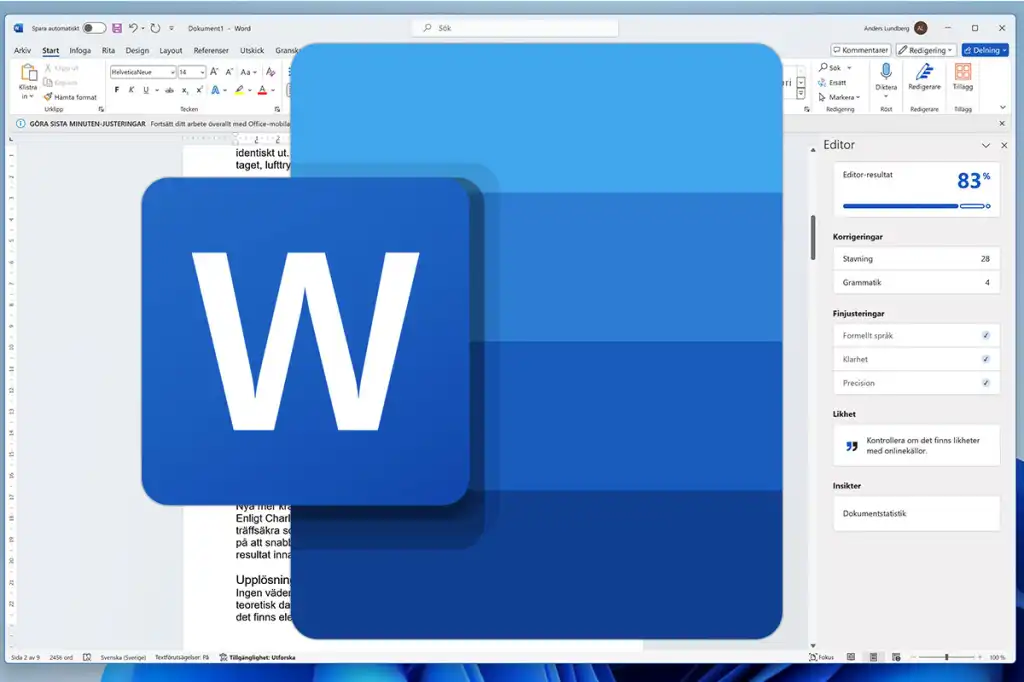
2. MS Word – Document Creation
Creating, Opening and Saving Documents
Text Formatting: Font, Size, Color and Styles
Paragraph Alignment and Line Spacing
Bullets, Numbering and Indentation
3. MS Word – Page Layout & Design
Page Margins, Orientation and Paper Size
Page Borders and Page Background
Headers, Footers and Page Numbers
Columns, Page Breaks and Section Breaks
4. MS Word – Tables & Advanced Features
Creating and Formatting Tables
Inserting Pictures, Shapes and Icons
Find and Replace
Mail Merge and Document Printing
5. MS Excel – Spreadsheet Fundamentals
Worksheets, Rows, Columns and Cells
Data Entry and Cell Formatting
Number Formats and Cell Alignment
Sorting, Filtering and Data Validation
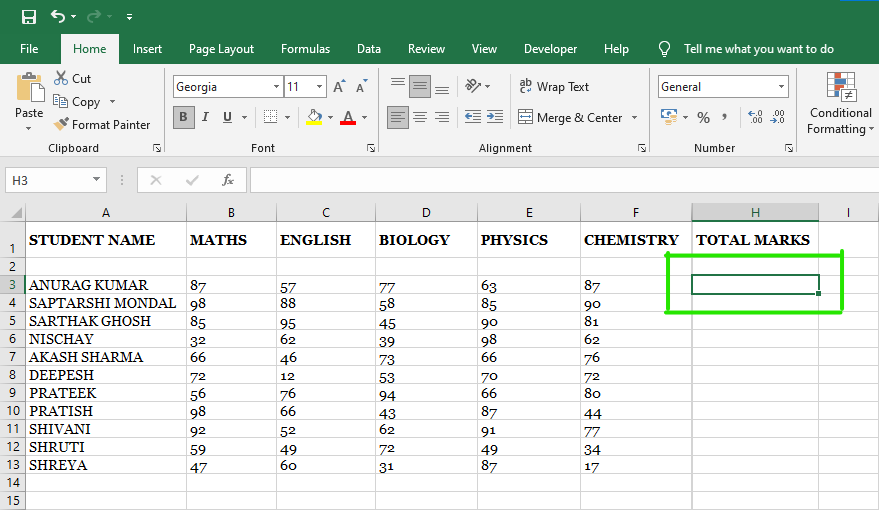
6. MS Excel – Formulas & Functions
Basic Formulas and Cell References
SUM, AVERAGE, MIN and MAX
IF, COUNTIF and SUMIF
Relative, Absolute and Mixed References
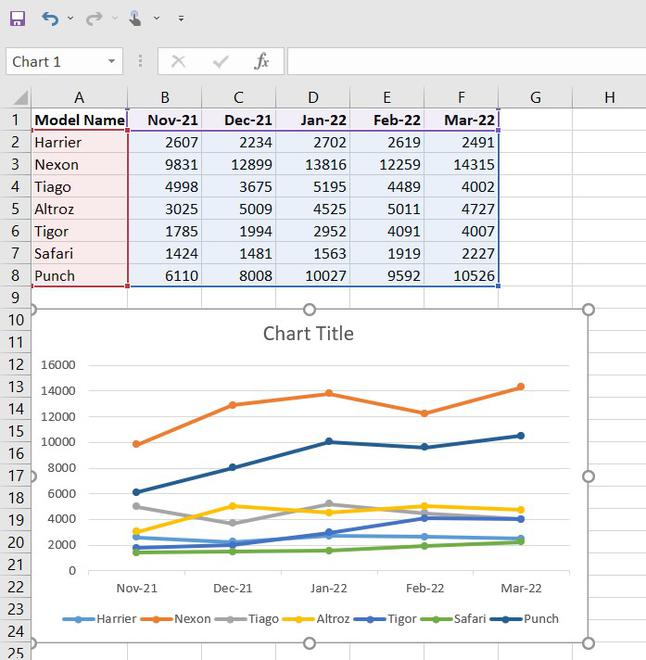
7. MS Excel – Charts & Data Management
Creating Charts and Graphs
Formatting Tables and Reports
Conditional Formatting
Basic Data Analysis and Reporting
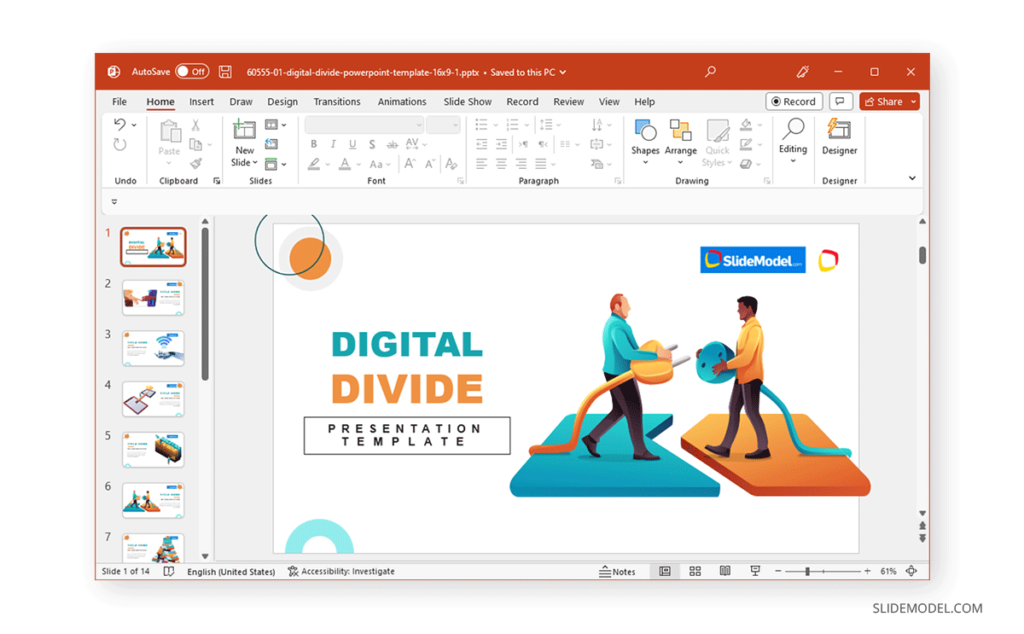
8. MS PowerPoint – Presentation Creation
Creating Slides and Choosing Layouts
Applying Themes and Backgrounds
Inserting Pictures, Shapes, Tables and Charts
Text Formatting and Slide Design
9. MS PowerPoint – Animation & Slide Show
Applying Transitions and Animations
Adding Audio and Video
Using Presenter View and Slide Show
Printing Slides and Creating Handouts
10. Practical Projects & Office Tasks
Creating a Professional Resume in Word
Designing a Business Letter and Certificate
Preparing an Excel Sales Report
Creating a PowerPoint Business Presentation
Completing Practical Office Assignments
Why Choose ICC Computer Centre, Dwarka Mor?
Choose ICC Computer Centre, Dwarka Mor, to develop essential computer skills and learn how to use Microsoft Office applications for everyday office, academic, and business tasks. The course focuses on practical learning to help you work confidently with documents, spreadsheets, and presentations.
1. Practical Computer Training
Learn MS Office applications through hands-on exercises and practical assignments.
2. MS Word Skills
Create professional documents, letters, resumes, reports, and formatted tables.
3. MS Excel Training
Learn formulas, functions, charts, data sorting, filtering, and spreadsheet management.
4. PowerPoint Presentation Skills
Design attractive presentations using slides, themes, images, charts, and animations.
5. Office Documentation
Understand page formatting, printing, document layout, and essential office tasks.
6. Real-World Practical Assignments
Practise creating business letters, Excel reports, certificates, resumes, and presentations.
7. Beginner-Friendly Learning
Build your computer skills step by step, even if you are new to Microsoft Office.
8. Improve Office Productivity
Learn useful techniques and keyboard shortcuts to complete common computer tasks more efficiently.
9. Career-Oriented Skills
Develop computer skills relevant to office assistant, data entry, administrative support, and documentation-related roles.
10. Convenient Location in Dwarka Mor
Learn at ICC Computer Centre, Dwarka Mor, New Delhi, and strengthen your computer application skills.
Start Learning MS Office Today
Build your confidence in Word, Excel, and PowerPoint with practical computer learning at ICC Computer Centre.
Who Can Join This Course?
Students preparing for jobs
Working professionals (Finance, HR, Marketing, Operations)
Business owners who want to manage and analyze data effectively
Anyone aiming for a career in MIS, Data Analytics, or Business Reporting
Course Duration & Mode of Learning
The MS Office Course at ICC Computer Centre, Dwarka Mor, is designed to help students develop practical skills in Microsoft Word, Excel, and PowerPoint for everyday office, academic, and business tasks.
Course Duration
The course duration depends on the syllabus covered and the batch schedule. Contact ICC Computer Centre to confirm the current course duration, fees, and available batch timings.
Mode of Learning
Classroom-Based Training
Learn at ICC Computer Centre, Dwarka Mor, New Delhi, through structured classroom sessions.
Hands-On Practical Sessions
Practise creating Word documents, Excel spreadsheets, formulas, charts, and PowerPoint presentations.
Step-by-Step Learning
Start with basic Office applications and progress to document formatting, spreadsheet management, and presentation design.
Practical Assignments
Work on resumes, business letters, Excel reports, certificates, and professional presentations.
Office Productivity Skills
Learn useful shortcuts and techniques to complete common computer tasks more efficiently.
Who Can Benefit?
School and college students
Beginners learning computer applications
Freshers and job seekers
Working professionals
Anyone who wants to improve office computer skills
Start Learning MS Office
Contact ICC Computer Centre, Dwarka Mor, to enquire about course duration, fees, and available batches.
Career Opportunities After the Course
The MS Office Course at ICC Computer Centre, Dwarka Mor, helps learners develop practical skills in MS Word, Excel, and PowerPoint. These applications are widely used for documentation, data management, reporting, and presentations across many workplaces.
Career Options After MS Office
1. Computer Operator
Handle routine computer tasks, document preparation, data processing, and file management.
2. Data Entry Executive
Enter, update, and organize information using spreadsheets and computer applications.
3. Office Assistant
Support daily office operations, prepare documents, maintain records, and manage basic administrative tasks.
4. Documentation Executive
Create, format, and maintain reports, letters, forms, and other business documents using MS Word.
5. Excel Operator
Maintain spreadsheets, organize data, use formulas, and prepare basic reports using MS Excel.
6. Administrative Assistant
Assist with office documentation, record keeping, scheduling, and presentation preparation.
7. Receptionist
Use computer applications to maintain records, prepare documents, and support front-desk administration.
8. MIS Assistant – Entry Level
Assist with spreadsheet-based data organization and routine reporting, especially when you have developed sufficient Excel skills.
FAQs (Frequently Asked Questions)
1. What is an MS Office course?
An MS Office course teaches you how to use Microsoft Word, Excel, and PowerPoint to create documents, manage spreadsheets, prepare presentations, and complete everyday office tasks.
2. Who can join the MS Office course?
School and college students, beginners, freshers, job seekers, and working professionals can join this course to improve their computer and office productivity skills.
3. What topics are covered in the MS Office course?
The course covers MS Word document formatting, tables and page layout, Excel formulas and charts, data management, PowerPoint slide design, animations, and practical office assignments.
4. What career opportunities are available after completing the MS Office course?
You can explore roles such as Computer Operator, Data Entry Executive, Office Assistant, Documentation Executive, and Administrative Assistant. Opportunities depend on your skills, qualifications, and experience.