Motion Graphics 2025 – Adobe After Effects
Master the art of Motion Graphics & Animation with Adobe After Effects & Premiere Pro. Learn Video Editing, VFX, 2D/3D Animation, Logo Animation, Social Media Ads & Creative Visual Effects with 100% practical training and certification.
📍 Dwarka Mor | 100% Practical + Career-Oriented Course
Course Overview
Looking to build a strong foundation in accounting and finance? Our Tally Prime Course in Dwarka Mor is designed to provide you with complete knowledge of Tally software, including practical applications in real-world business scenarios. Whether you’re a student, job seeker, or working professional, this course will equip you with the skills needed to manage business accounts effectively.
Tally Prime is one of the most widely used accounting software in India, making it an essential tool for anyone pursuing a career in accounting, taxation, or business management. Our course covers everything from the basics of Tally to advanced features like GST compliance, inventory management, payroll processing, TDS, and financial reporting.
At our institute in Dwarka Mor, we focus on practical training with real-time assignments and projects. Our certified trainers have years of industry experience and provide step-by-step guidance to help you understand complex accounting concepts with ease.
Course Content
1. Introduction to After Effects
Interface overview
Project settings
Importing media files
Understanding compositions
Timeline navigation
Workspace customization
Layer basics
Key concepts of motion graphics
Preview controls
Export settings basics
2. Working with Layers
Layer types (solid, text, shape, null)
Layer organization & hierarchy
Parenting layers
Adjustment layers
Blending modes
Track mattes
Pre-compose layers
Time remapping
Layer styles
Layer visibility & solo options
3. Keyframes & Animation
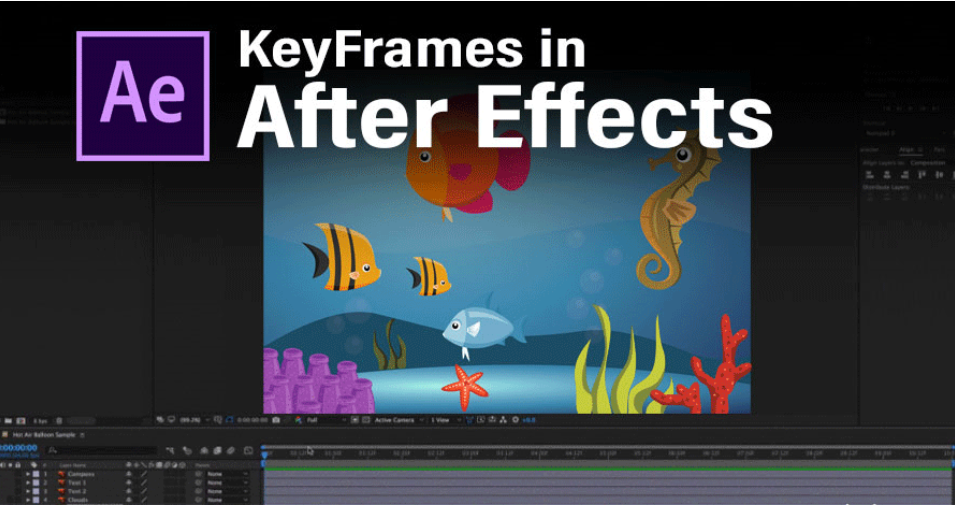
Introduction to keyframes
Position, scale, rotation & opacity animation
Easy ease & motion interpolation
Anchor point adjustments
Motion path editing
Loop expressions
Time stretching
Hold keyframes
Keyframe velocity graph
Creating smooth animations
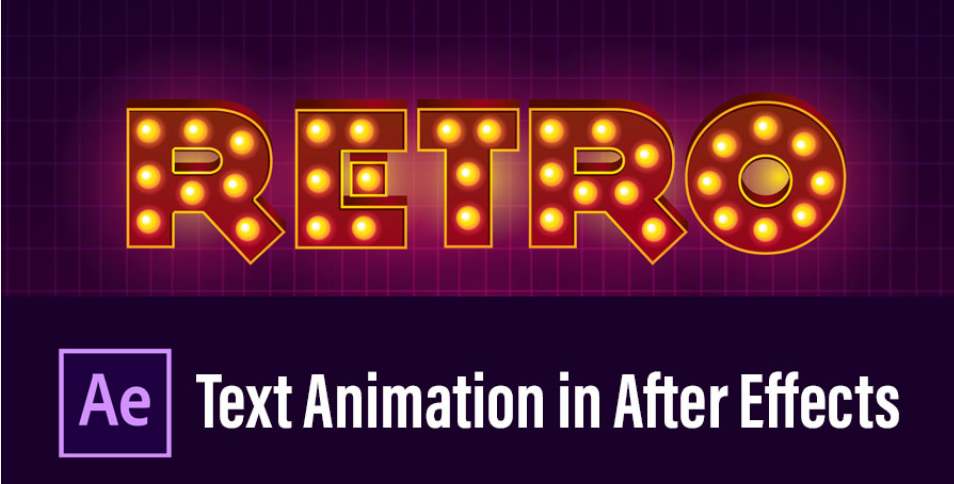
4. Text Animation
Creating & formatting text layers
Using text animators
Preset text animations
Animate in & out effects
Kinetic typography basics
3D text animation
Masked text reveal
Text on path animation
Typewriter effect
Lower thirds design
5. Shape Layers & Masking
Creating shape layers
Shape modifiers
Animating strokes & fills
Trim path animations
Creating icons with shapes
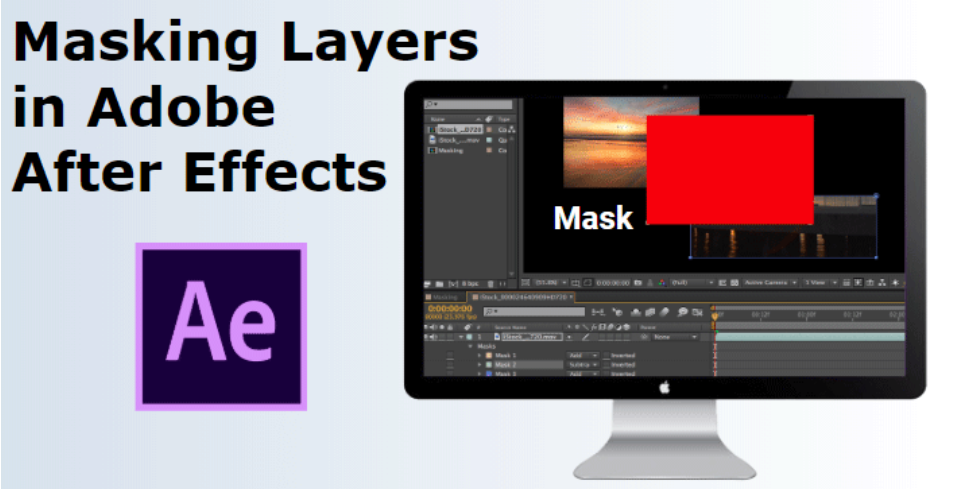
Masking basics
Inverted masks
Multiple masks
Mask feathering
Animated masks for transitions
6. Effects & Presets
Applying effects to layers
Effect controls panel
Commonly used effects (glow, blur, distort)
Color correction effects
Noise & grain effects
Generate effects (ramp, stroke, etc.)
Stylize effects
Simulation effects (particles, CC Ball Action)
Using animation presets
Creating custom presets
7. Motion Graphics Design
Principles of motion design
Timing & spacing
Anticipation & follow-through
Overlapping action
Text & shape synchronization with audio
Animated infographics
Logo animations
Lower thirds & titles
Transitions design
Animated icons & stickers
8. Working with 3D & Camera
3D layer basics
Working with cameras
Creating camera movements
Depth of field
Lights in After Effects
3D text animations
3D motion tracking
Environment layers
Parallax animation
Advanced 3D compositions
9. Expressions & Automation
Introduction to expressions
Pick whip usage
LoopOut & LoopIn
Wiggle expression
Time expression
Random animations
Linking properties with expressions
Expression controls
Creating reusable animation rigs
Automating repetitive tasks
10. Rendering & Exporting
Render queue basics
Output module settings
Exporting in different formats
Using Adobe Media Encoder
Compression settings
Rendering with alpha channel
High-quality vs low-size render
Exporting for social media
Batch rendering projects
Final project delivery workflow
Why Choose ICC Computer Centre, Dwarka Mor?
Experienced & certified trainers
100% practical training on latest Motion Graphics
Small batches for personal attention
Free study material & practice exercises
Flexible timings (Morning/Evening/Weekend)
Location advantage: Just 2 min walk from Dwarka Mor Metro Station
Who Can Join This Course?
Beginners with basic computer knowledge.
Graphic designers ya video editors jo apni skills enhance karna chahte hain.
Students or professionals interested in animation, VFX, and digital content creation.
Course Duration & Mode of Learning
- Duration: 4–6 months (can be customized)
- Mode: Classroom training at Dwarka Mor + Online classes available
- Flexible batch timings (morning/evening/weekend)
Career Opportunities After the Course
- Motion Graphic Designer – Digital ads, social media content, and branding projects.
- 2D/3D Animator – Animation studios aur film/TV production ke liye.
- Video Editor – Post-production aur content creation companies mein.
- VFX Artist – Visual effects for films, commercials, and videos.
- Freelance Digital Content Creator – Freelance projects for clients worldwide.
- Social Media Content Designer – Engaging motion posts, reels, and stories.
- Multimedia Designer – Interactive presentations and educational content.
- Graphic Designer (Enhanced Skills) – Traditional graphic design + animation skills.
- Advertising & Marketing Agencies – Creative campaigns and promotional videos.
- Portfolio & Further Specialization – Foundation for advanced courses like 3D Animation, CGI, or Game Design.
FAQs (Frequently Asked Questions)
1. What career opportunities are available after the course?
Roles include Motion Graphic Designer, Animator, VFX Artist, Video Editor, Social Media Content Creator, and more.
2. Can I work as a freelancer after the course?
Yes, students can take freelance projects globally or locally using their acquired skills.
3. Kya beginners is course mein enroll kar sakte hain?
Haan, beginners ke liye specially structured curriculum hai, jisme step-by-step guidance aur practical training di jaati hai.
4. Completion ke baad certificate provide kiya jaata hai kya?
Haan, professionally recognized certificate milta hai jo career aur freelance opportunities ke liye valid hai.