
Professional Motion Graphics Course in Dwarka Mor
Turn Your Creativity Into Professional Motion Graphics Skills.
Learn motion graphics, animation, visual storytelling and professional video production with practical training at ICC Computer Centre.
- Adobe After Effects
- Classroom Training
- Portfolio Projects
- Career Guidance

Practical Training
Learn by doing on real projects, not just theory.
Industry-Relevant Skills
Tools and techniques used in today's creative industry.
Expert Guidance
Learn from trainers who guide you at every step.
Project-Based Learning
Build a portfolio while you learn.
Career Guidance
Advice on career paths, freelancing and portfolio building.
What is Motion Graphics?
Motion graphics is the art of bringing text, shapes, logos and illustrations to life through animation. It is used in YouTube videos, advertisements, social media reels, explainer videos, TV titles and product launches. In this course you will learn how to plan, design and animate engaging visuals from scratch.
Enquire Now
Animated Typography
Bring words to life with movement and rhythm.
Logo Animation
Create memorable animated brand intros.
2D Motion Graphics
Animate shapes, icons and illustrations.
3D Motion Graphics
Add depth with 3D layers and camera moves.
Explainer Videos
Explain ideas clearly with animated stories.
Social Media Animations
Scroll-stopping reels, stories and posts.
Promotional Videos
Engaging promos for products and services.
Visual Effects
Compositing, tracking and creative effects.
Software You Will Learn
Train on the industry-standard creative tools used by motion designers and video professionals.
Adobe After Effects
The primary software for motion graphics, animation and visual effects. You will spend most of your training time here.
Adobe Premiere Pro
Professional video editing, sequencing, colour and export.
Adobe Illustrator
Vector artwork, icons and logos ready for animation.
Adobe Photoshop
Image editing and asset preparation for motion projects.
Complete Motion Graphics Course Syllabus
A step-by-step curriculum that takes you from the basics to portfolio-ready projects.
01Introduction to Motion Graphics
- What motion graphics is
- where it is used
- the production workflow
- storyboarding basics
02Design Fundamentals
- Colour
- layout
- composition
- typography basics
- visual hierarchy
03Adobe After Effects Basics
- Interface
- compositions
- layers
- importing assets
- rendering
04Keyframe Animation
- Position
- scale
- rotation and opacity
- easing
- graph editor
05Text and Typography Animation
- Text animators
- presets
- kinetic typography
- lyric-style text
06Shape Animation
- Shape layers
- trim paths
- repeaters
- icon animation
07Logo Animation
- Logo reveals
- brand intros
- transitions
08Masking and Tracking
- Masks
- mattes
- motion tracking
- rotoscoping basics
09Motion Graphics Effects
- Built-in effects
- glow
- distortion
- particles
- expressions basics
102D Animation
- Character and object animation
- rigging basics
- walk cycles
113D Layers and Camera Animation
- 3D layers
- cameras
- lights
- depth and parallax
12Video Editing and Compositing
- Editing workflow
- green screen
- colour correction
- compositing
13Advanced Animation Techniques
- Expressions
- advanced easing
- workflow shortcuts
- templates
14Practical Projects and Portfolio Development
- Real-world briefs
- showreel creation
- portfolio guidance
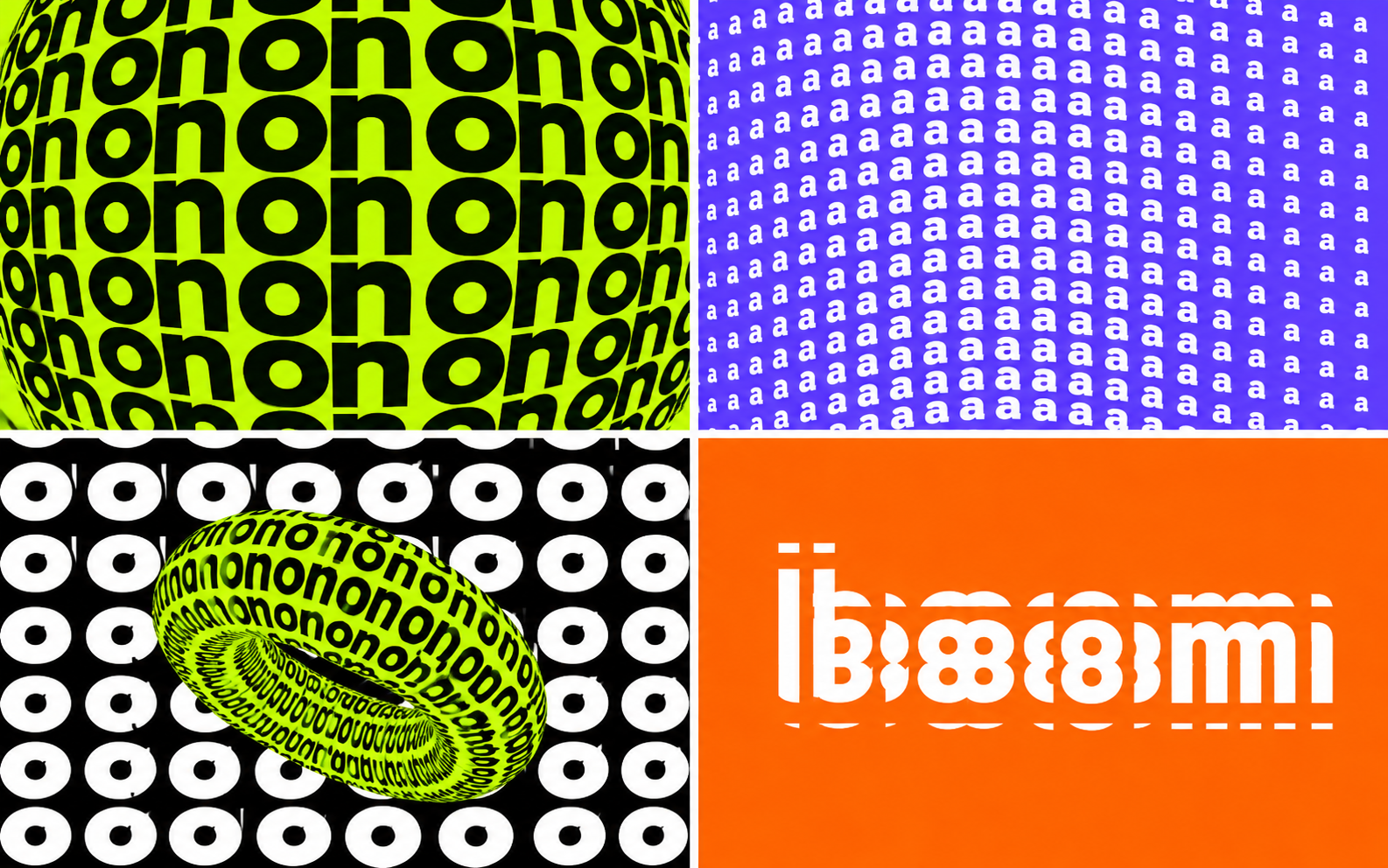
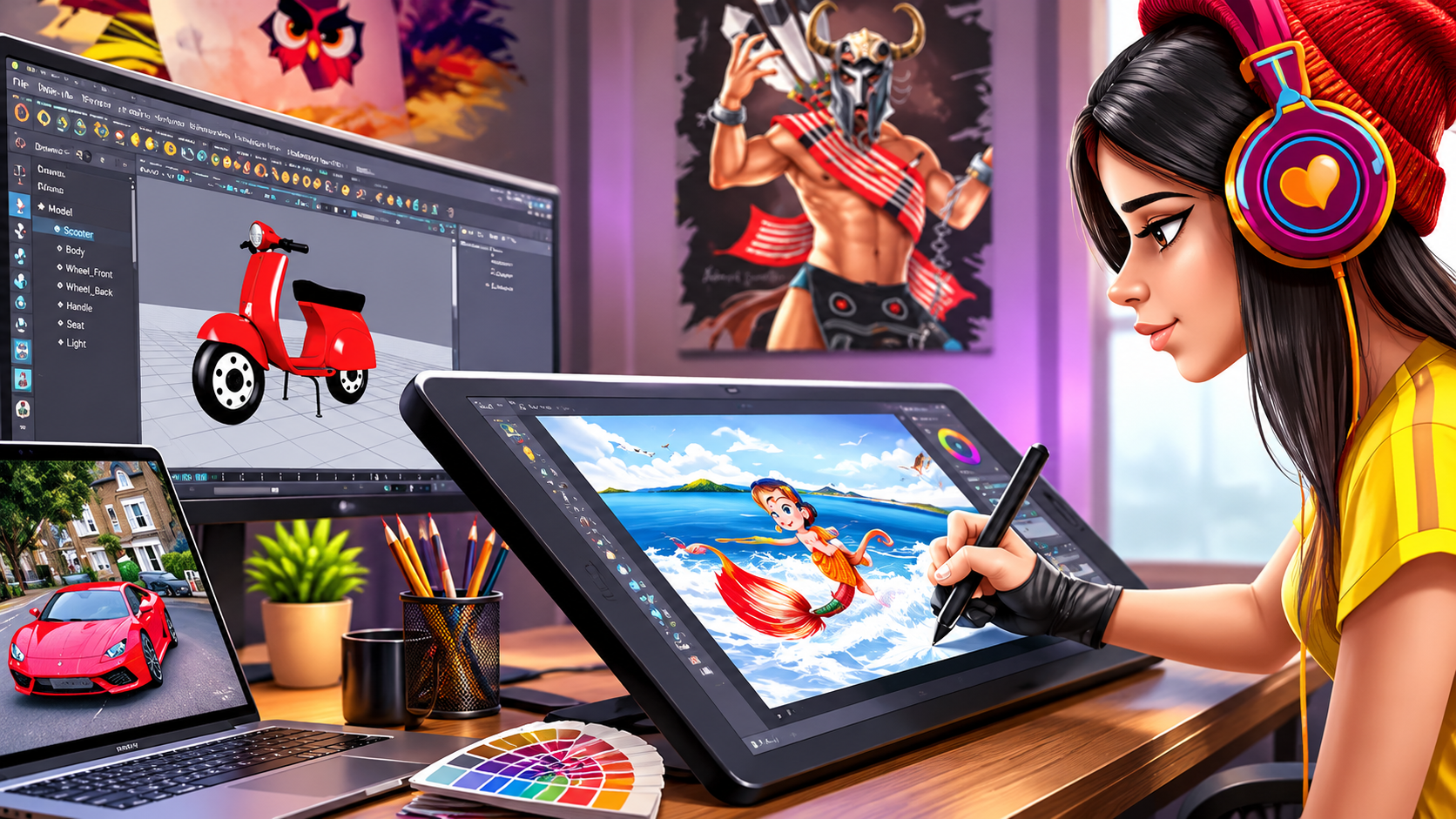
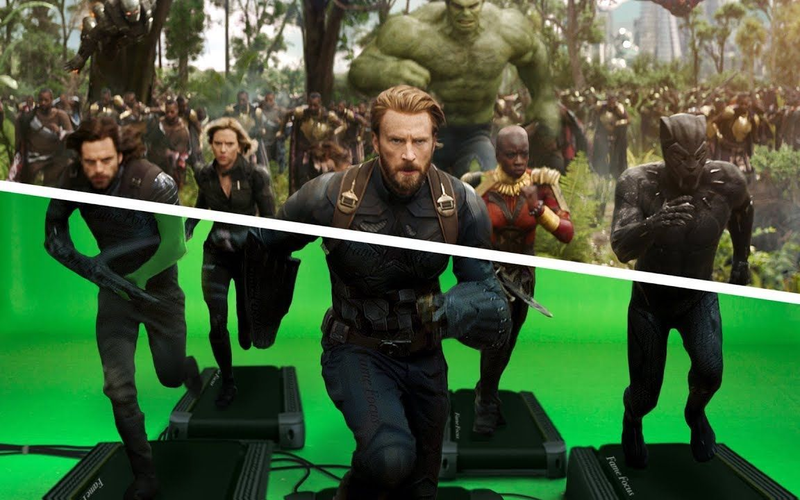
Student Projects & Creative Work
The kind of work you will learn to create during the course.



Why Choose ICC Computer Centre?
Learn in a supportive classroom environment focused on practical skills.
Practical Classroom Training
Hands-on sessions where you work on real software.
Experienced Trainers
Guidance from trainers who support you step by step.
Real-World Projects
Practice with projects inspired by real client briefs.
Personal Attention
A learning pace that suits beginners and professionals.
Career-Oriented Learning
Skills and portfolio guidance for jobs and freelancing.
Student Support
Help with doubts, practice and project feedback.
Motion Graphics Course Details
Share your details and our team will get in touch with batch timings and fee information.
- Course Name
- Motion Graphics Course
- Institute
- ICC Computer Centre
- Location
- Plot No. 1, 2 & 3, First Floor, Block B, Sewak Park, Uttam Nagar, New Delhi – 110059 , Dwarka Mor, New Delhi, India
- Duration
- Contact us for current batch duration
- Fees
- Contact us for the latest fee details
- Training Mode
- Classroom Training
- Certificate
- Certificate of completion (as applicable)
Career Opportunities After This Course
Motion design skills are useful across media, advertising, social content and freelancing.
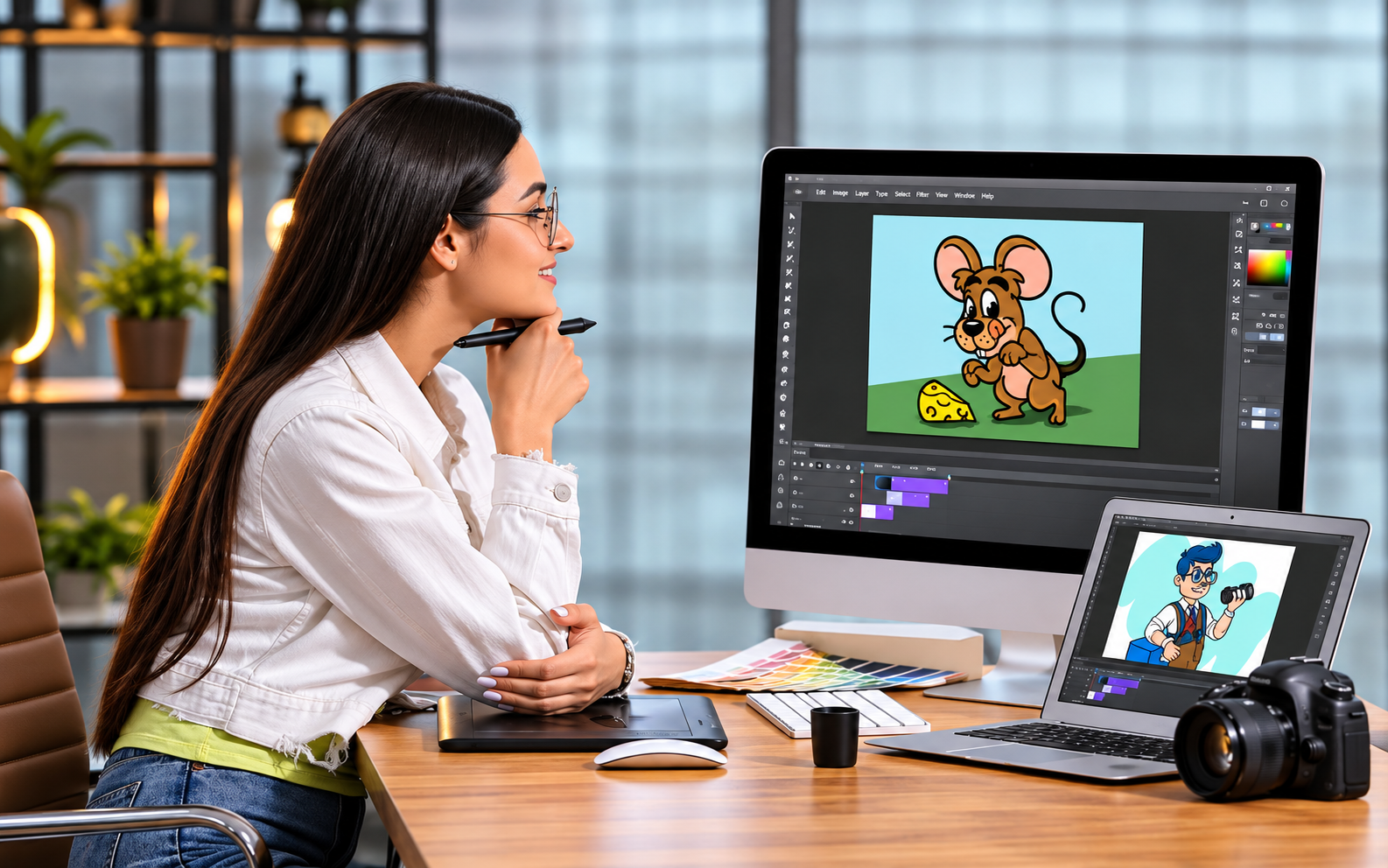
Motion Graphics Designer
Create animated visuals for brands, media and advertising.
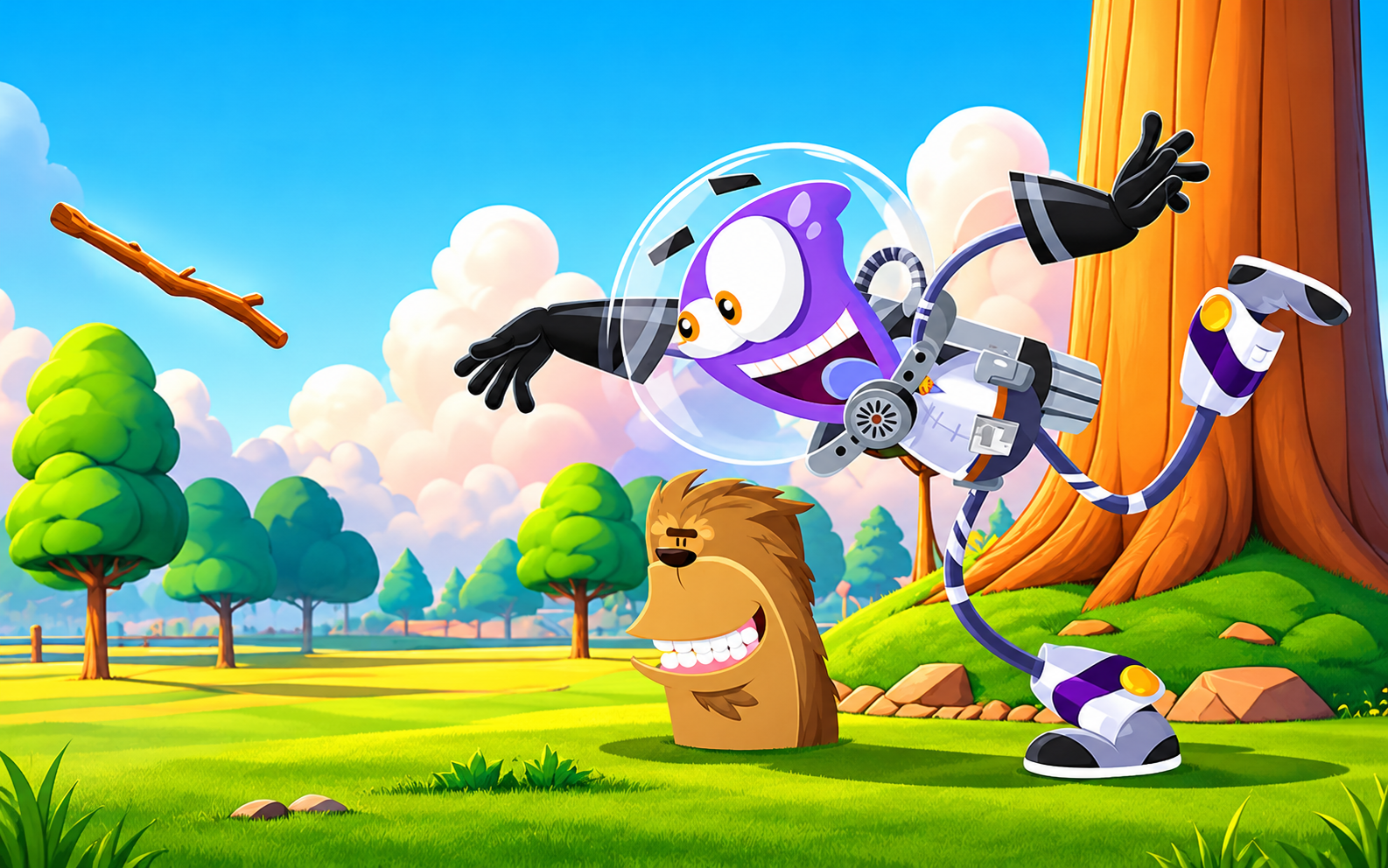
2D Animator
Animate characters, icons and illustrations.

Video Editor
Edit, sequence and polish videos for any platform.
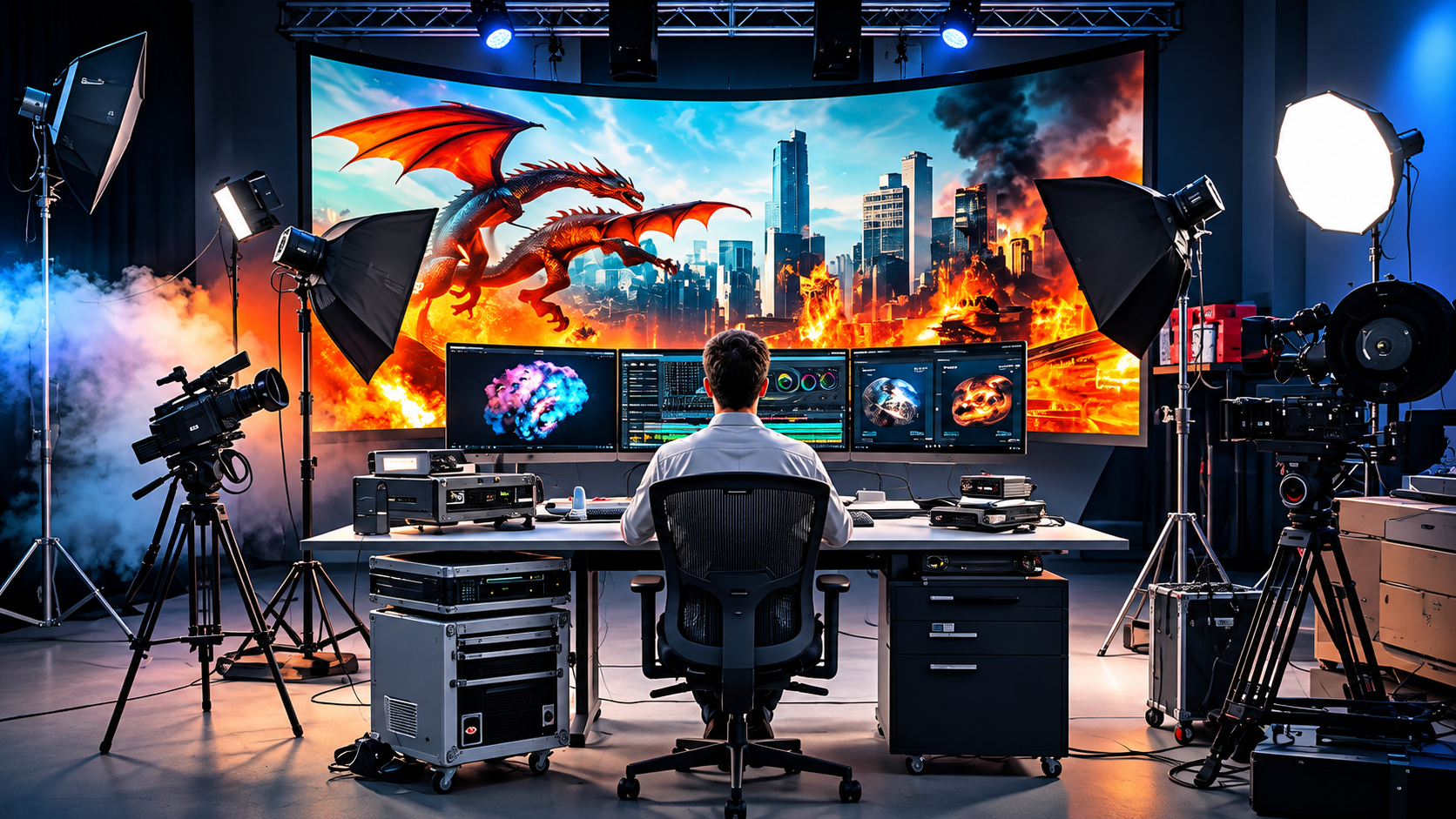
Visual Effects Artist
Add effects and composite footage.
Animation Designer
Design animated assets for apps, web and video.
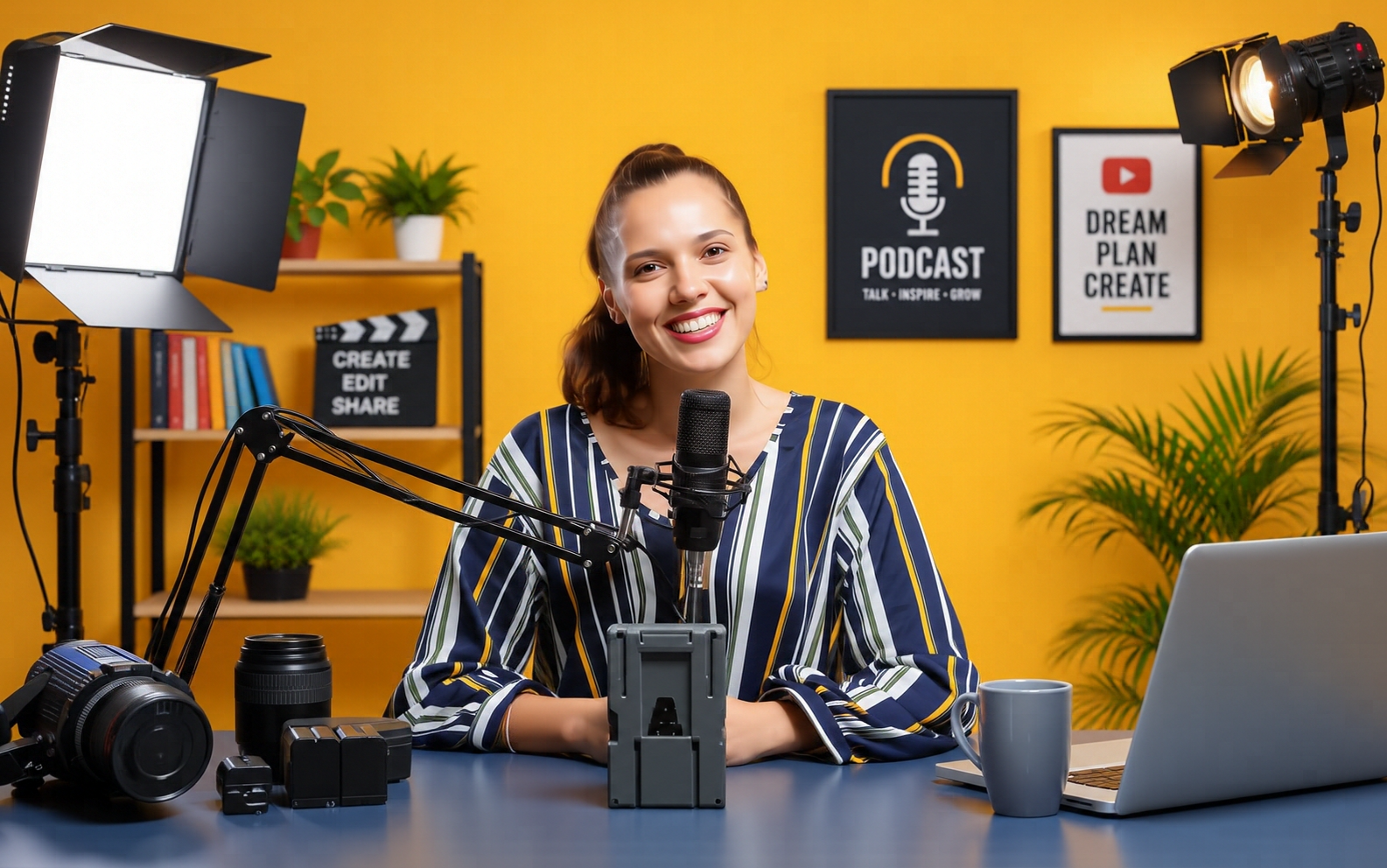
Social Media Video Creator
Produce reels, shorts and branded content.

Freelance Motion Designer
Work independently with clients across the world.
What Our Students Say
Replace these placeholders with real, verified student reviews.
Best institute for computer classes. Great teachers, practical learning, and a friendly environment.
 Priya SharmaMotion Graphics Course
Excellent teaching and practical training. A perfect place to learn and improve computer skills.
 Rahul VermaMotion Graphics Course
Great learning experience with supportive teachers and easy-to-understand practical lessons.
 Neha GuptaMotion Graphics Course
Frequently Asked Questions
Everything you need to know before joining.
What is a Motion Graphics Course?
A motion graphics course teaches you to create animated visuals such as animated text, logos, explainer videos and social media content using software like Adobe After Effects.
Who can join this course?
Students, beginners, designers, video editors, freelancers and working professionals can join. No advanced prior knowledge is required.
Do I need drawing skills?
No. Basic creativity and interest in design are enough. You will learn design fundamentals and animation step by step.
Which software will I learn?
You will learn Adobe After Effects as the main software, along with Adobe Premiere Pro, Adobe Illustrator and Adobe Photoshop.
Is practical training included?
Yes. The course is practical and project-based, so you work on the software during classes.
What career opportunities are available?
Options include motion graphics designer, 2D animator, video editor, visual effects artist, social media video creator and freelance motion designer. Results depend on your practice and portfolio.
What is the course duration?
Please contact ICC Computer Centre for the current batch duration and timings.
Where is ICC Computer Centre located?
ICC Computer Centre is located in Dwarka Mor, New Delhi, India. Call or message us on WhatsApp for the exact address and directions.
Start Your Creative Career With Motion Graphics!
Learn professional animation and motion design skills at ICC Computer Centre.