icccomputercentre.com

Advance Excel 2025 – Data Analysis + MIS Reporting Training

Master Advance Excel with powerful tools like Pivot Tables, VLOOKUP, HLOOKUP, Macros, Dashboards & Data Visualization. Learn practical skills for MIS Reporting, Data Analysis, and Office Productivity with industry-recognized certification.

📍 Dwarka Mor | 100% Practical + Career-Oriented Course

Course Overview

The Advance Excel Course at ICC Computer Centre, Dwarka Mor is specially designed for students, job seekers, and professionals who want to master Excel for data management, reporting, and business analysis. This program goes beyond basic spreadsheets and focuses on powerful tools, formulas, functions, and automation techniques used in offices and industries today.

Learners will gain expertise in advanced formulas, Pivot Tables, Charts, Data Validation, Conditional Formatting, Macros, and Dashboard Designing. The course also covers data cleaning, analysis, and visualization to make students job-ready.

At ICC Computer Centre, Dwarka Mor, we emphasize 100% practical training with real business case studies, so learners can confidently apply Excel in corporate, finance, HR, and business operations.

Course Content

1. Excel Interface & Navigation

  • Excel Ribbon aur Tabs ka use
  • Quick Access Toolbar customization
  • Worksheet navigation techniques
  • Zoom aur view options
  • Freeze panes aur split screen
  • Multiple workbook handling
  • Sheet management (rename, move, copy)
  • Cell references (relative, absolute, mixed)
  • Keyboard shortcuts introduction
  • Excel options & settings
  • Data types (text, number, date, time)

  • AutoFill aur Flash Fill

  • Custom number formatting

  • Conditional formatting basics

  • Format painter ka use

  • Merging & centering cells

  • Cell styles & themes

  • Borders & shading

  • Column width & row height adjustment

  • Find & replace

  • SUM, AVERAGE, MIN, MAX

  • COUNT, COUNTA, COUNTBLANK

  • Text functions (LEFT, RIGHT, MID)

  • CONCATENATE & TEXTJOIN

  • Date & time functions (TODAY, NOW)

  • Logical functions (IF, AND, OR)

  • Lookup basics (VLOOKUP, HLOOKUP)

  • Error handling functions (IFERROR)

  • Rounding functions (ROUND, ROUNDUP, ROUNDDOWN)

  • Nested formulas

  • INDEX & MATCH combination

  • XLOOKUP introduction

  • UNIQUE aur FILTER functions

  • SORT aur SORTBY

  • SEQUENCE & RANDARRAY

  • INDIRECT function

  • OFFSET function

  • Dynamic named ranges

  • Array formulas (legacy & dynamic)

  • Advanced text functions (SEARCH, REPLACE, VALUE)

  • Data validation rules

  • Drop-down lists creation

  • Remove duplicates

  • Sort & filter data

  • Advanced filter options

  • Flash Fill advanced use

  • Consolidating data from sheets

  • Text to columns

  • Subtotals in data

  • What-if analysis basics

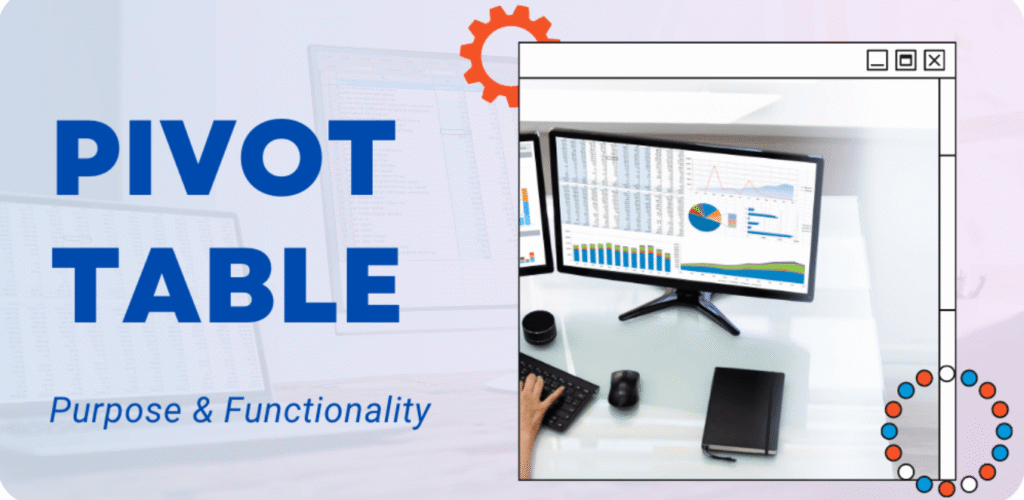
  • Pivot Table creation

  • Fields arrangement in Pivot

  • Grouping data in Pivot

  • Calculated fields & items

  • Pivot Table formatting

  • Pivot Charts creation

  • Slicers introduction

  • Timelines in Pivot Tables

  • Refresh & update Pivot data

  • Best practices of Pivot

  • Goal Seek

  • Scenario Manager

  • Data Tables (one-variable & two-variable)

  • Solver add-in basics

  • Descriptive statistics tool

  • Regression analysis tool

  • Correlation & covariance

  • Histogram creation

  • Random number generation

  • Forecasting basics

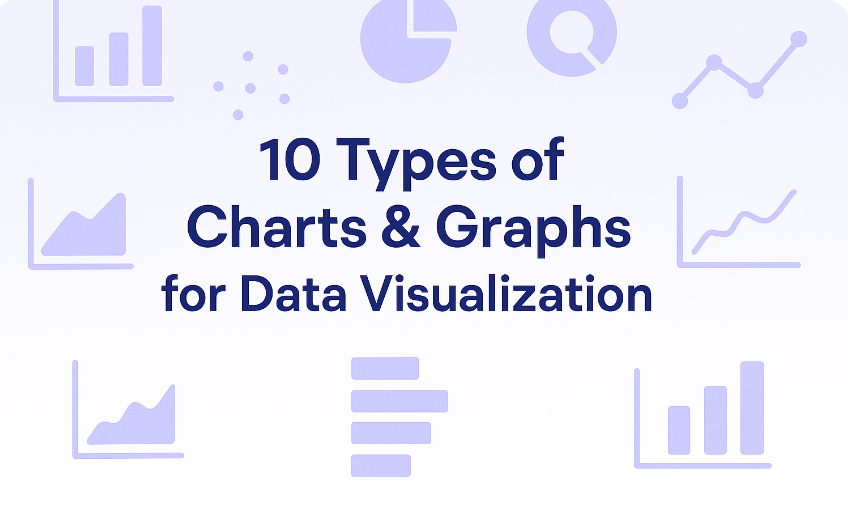
  • Column & Bar charts

  • Line & Area charts

  • Pie & Donut charts

  • Scatter charts

  • Combo charts

  • Waterfall chart

  • Sparklines

  • Chart formatting techniques

  • Custom templates for charts

  • Interactive dashboards basics

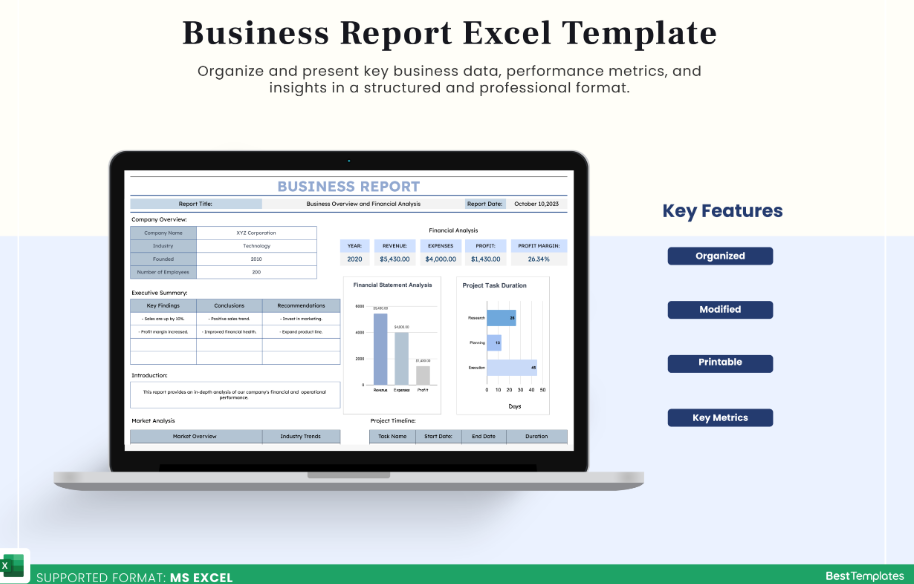
  • MIS report creation
  • Sales report templates
  • Inventory management sheet
  • Payroll system in Excel
  • Budget & expense tracker
  • Invoice creation
  • Attendance sheet
  • Timesheet management
  • Profit & loss statement
  • Dashboard design principles

  • Recording Macros

  • Running Macros

  • VBA basics introduction

  • Creating simple VBA scripts

  • Protecting worksheet & workbook

  • Password protection in Excel

  • Track changes & comments

  • Share & collaborate in Excel

  • Linking Excel with Word/PowerPoint

  • Best practices for large files

Why Choose ICC Computer Centre, Dwarka Mor?

  • Experienced & certified trainers

  • 100% practical training on latest Advance Excel

  • Small batches for personal attention

  • Free study material & practice exercises

  • Flexible timings (Morning/Evening/Weekend)

  • Location advantage: Just 2 min walk from Dwarka Mor Metro Station

Who Can Join This Course?

  • Students preparing for jobs

  • Working professionals (Finance, HR, Marketing, Operations)

  • Business owners who want to manage and analyze data effectively

  • Anyone aiming for a career in MIS, Data Analytics, or Business Reporting

Course Duration & Mode of Learning

  • Duration: 2 months (can be customized)
  • Mode: Classroom training at Dwarka Mor + Online classes available
  • Flexible batch timings (morning/evening/weekend)

Career Opportunities After the Course

  • MIS Executive (Management Information System) – preparing reports & dashboards

  • Data Analyst / Reporting Analyst – analyzing and presenting data insights

  • Accounts Executive / Finance Analyst – managing accounts & financial reports

  • HR Executive – maintaining employee data, payroll, and attendance reports

  • Operations Analyst – optimizing processes using Excel data tools

  • Business Analyst (Entry Level) – supporting business decisions through data

  • Administrative Executive – handling office records and reporting

  • Back Office Executive – managing databases and documentation

  • Marketing Analyst – tracking sales, campaigns, and customer data

  • Freelance Excel Expert – creating customized reports and dashboards for clients

FAQs (Frequently Asked Questions)

1. Is this course theory-based or practical?

  • 👉 At ICC Computer Centre, Dwarka Mor, it is 100% practical with real business case studies.

  • 👉 Absolutely! It is one of the most demanded skills for office, MIS, finance, and analytics jobs.

  • 👉 Roles like MIS Executive, Data Analyst, Reporting Analyst, HR Executive, Finance Analyst, and Back Office Executive.

  • 👉 Yes, Basic Excel covers simple formulas, while Advance Excel teaches professional-level data management and analysis.

Scroll to Top