icccomputercentre.com

WEBSITE CREATION BY WORD PRESS

Master Tally with our expert-led Tally Prime Course in Dwarka Mor. Learn accounting, GST, payroll, and more with hands-on training and certification. Join now for career growth!

Course Overview

The Website Creation by WordPress Course at ICC Computer Centre, Dwarka Mor is designed for learners who want to build professional, responsive, and dynamic websites without deep coding knowledge. WordPress is the world’s most popular Content Management System (CMS), powering over 40% of websites globally, including blogs, e-commerce stores, portfolios, and business websites.

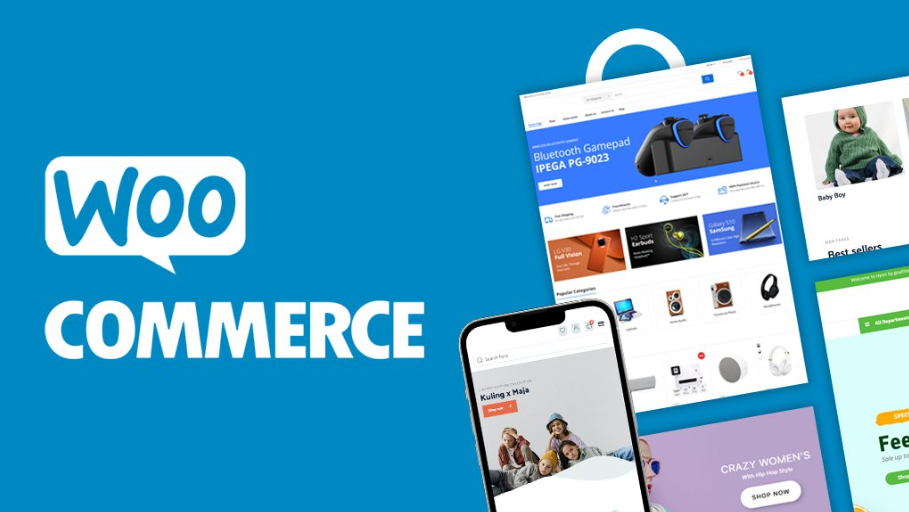
This course covers WordPress installation, themes, plugins, page builders (Elementor, WPBakery), customization, SEO optimization, and website security. Students will also learn how to create blogs, business websites, online portfolios, and e-commerce stores (WooCommerce) with ease.

By the end of the course, learners will be able to design, customize, and manage WordPress websites independently, making them job-ready for careers in web design, freelancing, and digital business development.


Course Content

1. Introduction to WordPress

    • What is WordPress?

    • WordPress.com vs WordPress.org

    • Installing WordPress on Localhost

    • Dashboard Overview

    • General Settings Configuration

    • Posts vs Pages

    • Understanding Widgets

    • Themes vs Plugins

    • Managing Users & Roles

    • WordPress Updates & Maintenance

    • System Requirements

    • Installing via cPanel/Hosting

    • Setting up a Database

    • Manual vs One-Click Installation

    • Configuring Site Title & Tagline

    • Setting up Permalinks

    • SSL & Security Setup

    • Site Identity & Branding

    • Uploading a Favicon & Logo

    • Basic SEO Settings

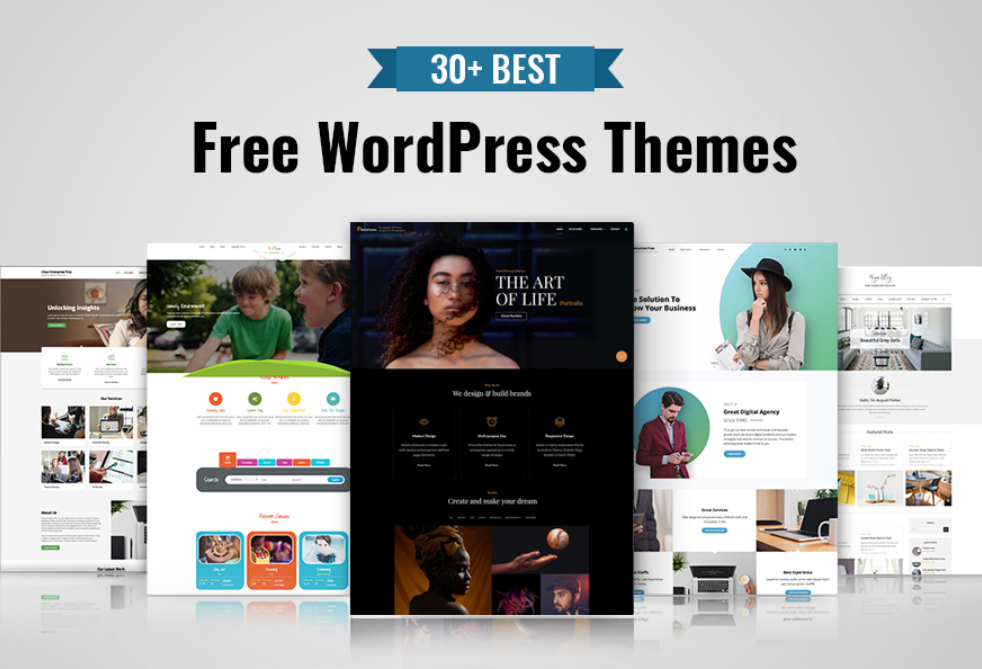
    • Free vs Premium Themes

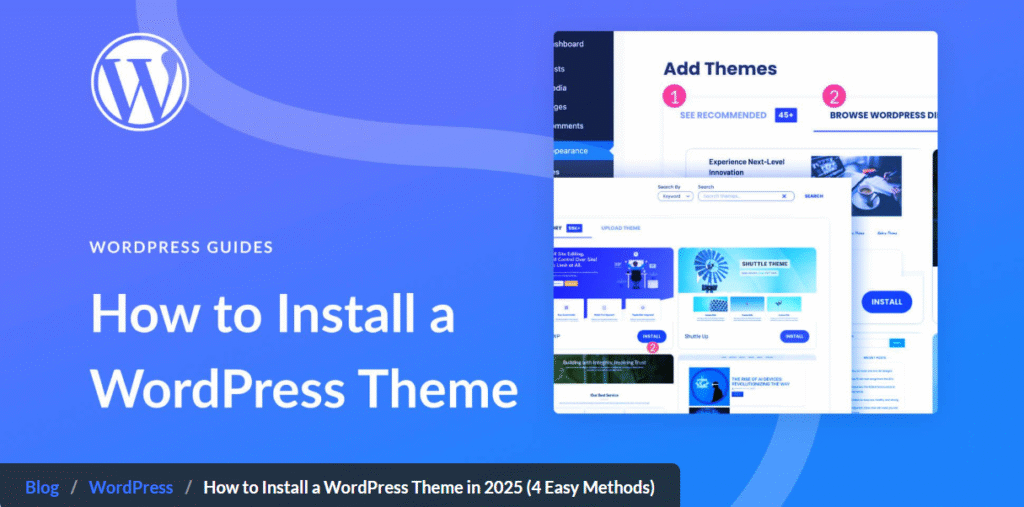
    • Installing & Activating Themes

    • Customizing Themes

    • Using Page Builders (Elementor, WPBakery)

    • Theme Layout Settings

    • Header & Footer Customization

    • Sidebar & Widgets Management

    • Theme Color & Typography Settings

    • Creating Child Themes

    • Theme Updates & Backup

    • What are Plugins?

    • Installing & Activating Plugins

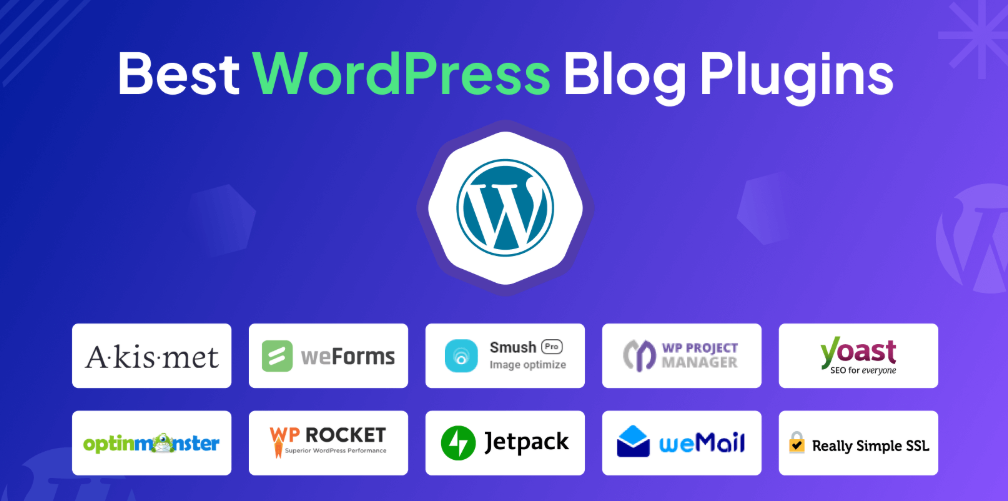
    • Must-Have Plugins for Beginners

    • Contact Form Plugin Setup

    • SEO Plugins (Yoast/RankMath)

    • Security Plugins (Wordfence, iThemes)

    • Speed Optimization Plugins (W3 Total Cache, LiteSpeed)

    • Backup Plugins (UpdraftPlus)

    • Social Media Integration Plugins

    • Plugin Updates & Maintenance

    • Adding New Pages

    • Creating Blog Posts

    • Categories & Tags

    • Featured Images & Thumbnails

    • Formatting Text & Media

    • Embedding Videos & Links

    • Managing Comments

    • Using the Block Editor (Gutenberg)

    • Classic Editor vs Gutenberg

    • Drafts, Publish & Scheduling

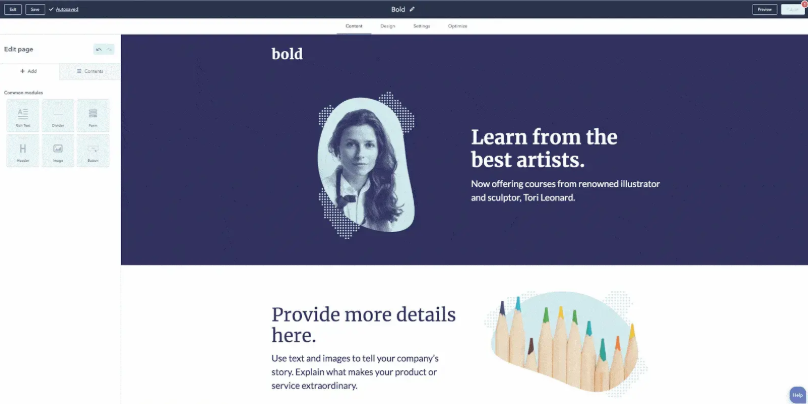
    • Introduction to Elementor

    • Creating Custom Homepages

    • Designing About & Contact Pages

    • Adding Sliders & Galleries

    • Customizing Navigation Menus

    • Adding Testimonials & Reviews

    • Call-to-Action Buttons

    • Responsive Design Adjustments

    • Using Templates & Blocks

    • Advanced Elementor Widgets

    • Introduction to WooCommerce

    • Installing & Activating WooCommerce

    • Setting up Products & Categories

    • Adding Product Variations

    • Payment Gateway Integration

    • Shipping Options & Taxes

    • Shopping Cart & Checkout Pages

    • Customizing Shop Layout

    • Managing Orders & Customers

    • E-Commerce Security Practices

    • Importance of SEO in WordPress

    • Installing SEO Plugins (Yoast/RankMath)

    • On-Page SEO for Posts & Pages

    • Meta Tags & Descriptions

    • Image Optimization for Speed

    • Using Google Analytics

    • Website Caching Techniques

    • Mobile-Friendly Optimization

    • Sitemap & Robots.txt Setup

    • Website Speed Testing Tools

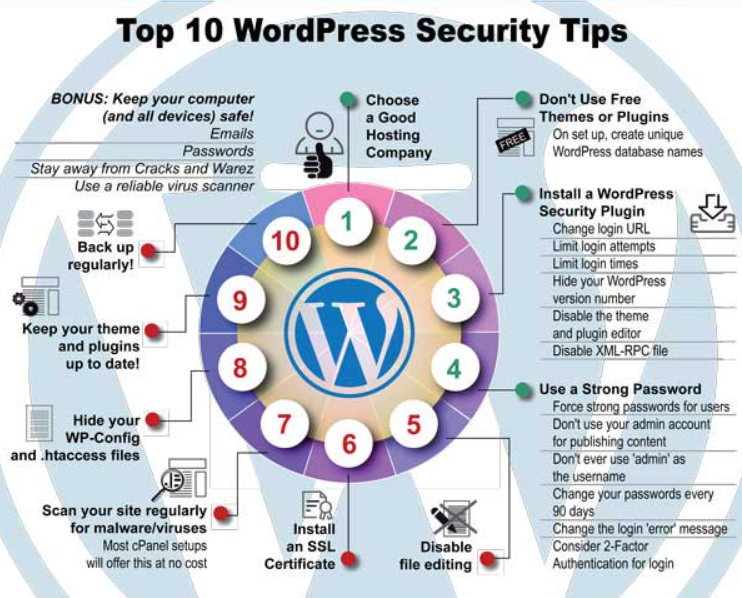
    • Importance of Website Security

    • Installing Security Plugins

    • Two-Factor Authentication

    • Changing Admin URL

    • Managing User Roles Securely

    • Backup Solutions (UpdraftPlus, BackupBuddy)

    • Restoring Backups

    • Malware Scanning & Removal

    • SSL Certificate Setup

    • Best Practices for WordPress Security

  • Final Site Testing Checklist

  • Domain & Hosting Connection

  • Going Live with Your Website

  • Creating Professional Emails

  • Adding Analytics & Tracking Codes

  • Setting Up Contact Forms

  • Social Media Linking

  • Client Handover Process

  • Regular Maintenance Tasks

  • Scaling WordPress Websites

Why Choose ICC Computer Centre, Dwarka Mor?

  • Experienced & certified trainers

  • 100% practical training on latest Website Creation by Word press

  • Small batches for personal attention

  • Free study material & practice exercises

  • Flexible timings (Morning/Evening/Weekend)

  • Location advantage: Just 2 min walk from Dwarka Mor Metro Station

Who Can Join This Course?

  • Students (10th / 12th Pass & Graduates) – Who want to learn web designing skills for future careers.

  • Beginners in Web Development – Who want an easy start before moving to advanced coding.

  • Working Professionals – Looking to switch careers into IT, web development, or digital marketing.

  • Entrepreneurs & Small Business Owners – Who want to build and manage their own business websites.

  • Freelancers – Who want to offer website design services globally on Fiverr, Upwork, Freelancer, etc.

  • Digital Marketers – Who need skills to create SEO-friendly websites for campaigns.

  • Content Creators & Bloggers – Who want to create their own blogs and monetize them.

  • E-Commerce Enthusiasts – Who want to launch and manage online stores using WooCommerce.

  • Designers – Who want to expand their skills from graphic design to web design.

  • Anyone Interested in Websites – Even with no coding knowledge, anyone can learn and grow in this field.

Course Duration & Mode of Learning

  • Duration: 2 months (can be customized)
  • Mode: Classroom training at Dwarka Mor + Online classes available
  • Flexible batch timings (morning/evening/weekend)

Career Opportunities After the Course

  • WordPress Web Designer – Designing visually appealing websites using themes and page builders.

  • WordPress Developer – Customizing themes, plugins, and building advanced features.

  • Freelance Web Designer/Developer – Working with global clients through platforms like Fiverr, Upwork, and Freelancer.

  • E-Commerce Developer – Creating and managing online stores with WooCommerce.

  • UI/UX Designer for WordPress – Enhancing user experience through responsive and optimized design.

  • Website Maintenance Specialist – Handling updates, backups, and security for client websites.

  • Digital Marketing Website Expert – Building SEO-friendly websites for digital campaigns.

  • Corporate Website Manager – Managing and updating company websites.

  • Entrepreneur / Business Owner – Creating and maintaining your own website without hiring developers.

  • Blogging & Content Creator – Building and monetizing personal blogs or content-driven websites.

FAQs (Frequently Asked Questions)

1. Will I learn e-commerce website creation?

  • Yes, the course covers WooCommerce to build and manage online stores.

  • Absolutely! You can work with global clients on platforms like Fiverr, Upwork, and Freelancer.

  • Yes, you will learn security practices, SSL setup, and website backup solutions.

  • Yes, ICC Computer Centre provides career guidance, portfolio building, and placement support.

Scroll to Top