icccomputercentre.com

Graphic Design 2025 – Photoshop + Illustrator + CorelDRAW Training

Master the world of Graphic Design with tools like Photoshop, Illustrator & CorelDRAW. Learn Logo Design, Poster Design, Social Media Creatives, Branding & Print Media with hands-on practical training and certification.

📍 Dwarka Mor | 100% Practical + Career-Oriented Course

Course Overview

The Graphic Design Course at ICC Computer Centre, Dwarka Mor is designed for creative minds who want to turn ideas into visual communication. This course helps students master the art of designing, editing, and visual storytelling using industry-standard tools.

Learners will gain hands-on experience with Adobe Photoshop, Illustrator, CorelDRAW, InDesign, and Canva, covering everything from logo design, branding, posters, advertisements, packaging, and digital creatives. The program also includes the principles of color theory, typography, layout design, and visual composition to build strong design skills.

At ICC Computer Centre, Dwarka Mor, we focus on 100% practical training with real-time projects, so students can create professional designs for print, digital marketing, and social media platforms.

1. Adobe Photoshop

  • Photo editing aur retouching basics

  • Layer management aur blending modes

  • Selection tools aur masking techniques

  • Image correction (brightness, contrast, color balance)

  • Typography aur text effects

  • Filters aur special effects

  • Banner, poster aur flyer design

  • Social media creative design

  • Image optimization for web

  • Export aur file formats

  • Vector graphics ka introduction

  • Pen tool mastery aur shape building

  • Logo design basics

  • Typography aur font combination

  • Color theory aur gradient usage

  • Infographic design

  • Business card aur brochure design

  • Icon aur symbol creation

  • 3D effects aur perspective drawing

  • Export aur print-ready files

  • Vector drawing tools basics

  • Page layout design

  • Text formatting aur artistic text

  • PowerClip aur clipping mask

  • Shape tools aur transformations

  • Logo aur visiting card design

  • Calendar aur invitation design

  • Multicolor printing preparation

  • Bitmap tracing aur vector conversion

  • Export aur publishing files

  • Document setup aur master pages

  • Text frame aur image frame handling

  • Page layout aur grid system

  • Book, magazine aur newspaper design

  • Table creation aur formatting

  • Interactive PDF design

  • Cover page design techniques

  • Brochure aur catalog making

  • Typography for print media

  • Export to print aur digital media

  • Ready-made templates ka use

  • Social media posts aur stories design

  • Poster aur presentation design

  • Resume aur portfolio creation

  • Color palette aur theme usage

  • Brand kit setup

  • Collaborative design sharing

  • Animation aur video post creation

  • AI text-to-image use (Canva AI)

  • Export aur publishing options

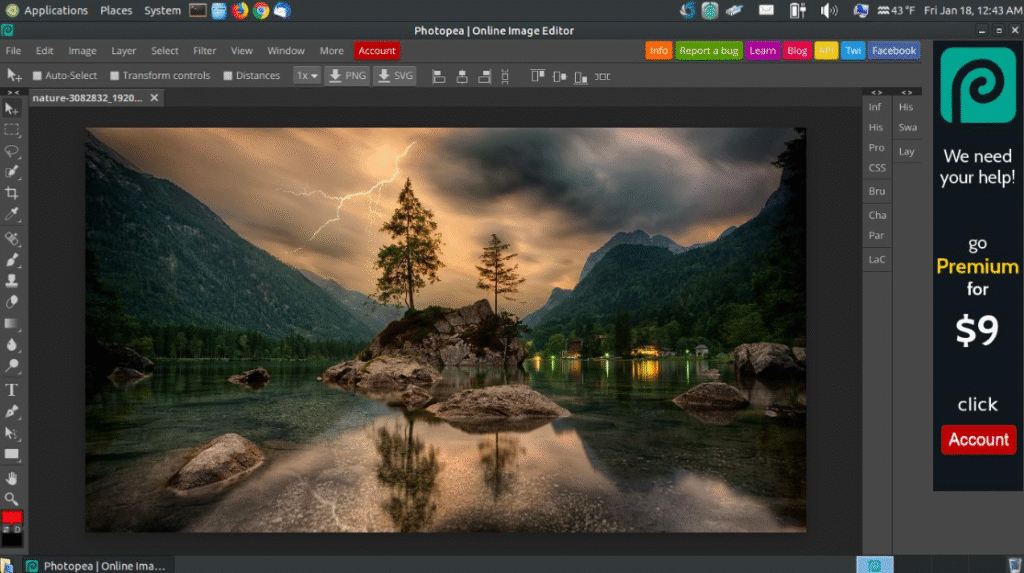
  • Photoshop-like editing online

  • Layer aur masking tools

  • Freehand selection aur pen tool

  • PSD, AI, PDF file support

  • Image correction aur filters

  • Online logo aur banner design

  • Vector aur raster support

  • Web export optimization

  • Smart object aur text handling

  • Export in multiple formats

  • UI/UX design basics

  • Frame aur layout grids

  • Vector shapes aur icons

  • Typography aur style guide

  • Prototyping aur linking pages

  • Collaboration in real-time

  • Plugin aur widget usage

  • Mobile app design basics

  • Wireframing aur mockup design

  • Export aur developer handoff

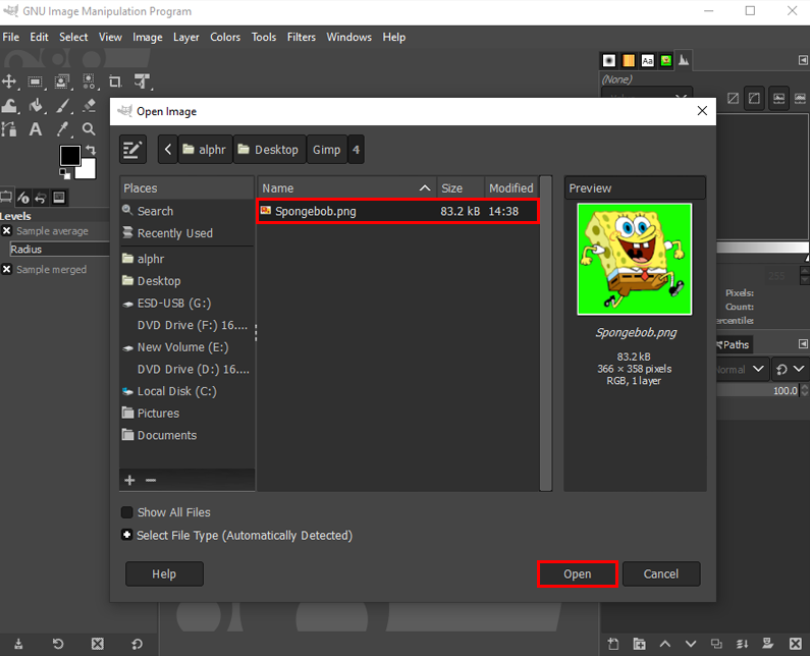
  • Photo editing basics

  • Layer aur mask handling

  • Color correction aur enhancement

  • Brushes aur custom patterns

  • Logo aur artwork creation

  • Filters aur effects

  • Open-source plugin usage

  • Animation (GIF) design

  • File format support (PSD, PNG, JPG)

  • Export for web aur print

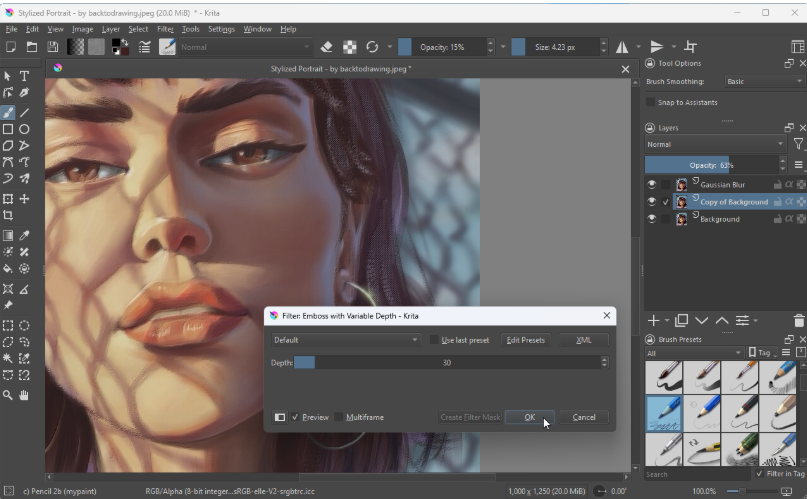
  • Digital painting aur sketching basics

  • Brush customization aur blending

  • Layers aur transparency usage

  • Color palette aur gradient usage

  • Concept art aur character design

  • Illustration for books aur comics

  • Tablet pen pressure support

  • Vector aur raster combination

  • Animation timeline aur frame drawing

  • Export aur publishing artwork

  • Automatic background removal

  • Transparent PNG creation

  • AI-based subject detection

  • Batch background removal

  • Custom background replace

  • Free online tool use

  • Social media creative use

  • E-commerce product image cleanup

  • Export high-quality images

  • Integration with Canva aur Photoshop

Why Choose ICC Computer Centre, Dwarka Mor?

  • Experienced & certified trainers

  • 100% practical training on latest Graphic Design 

  • Small batches for personal attention

  • Free study material & practice exercises

  • Flexible timings (Morning/Evening/Weekend)

  • Location advantage: Just 2 min walk from Dwarka Mor Metro Station

Who Can Join This Course?

Students interested in creative careers

Aspiring graphic designers & digital marketers

Business owners who want to design their own branding materials

Freelancers looking to provide design services

Anyone passionate about creativity and visual communication


Course Duration & Mode of Learning

  • Duration: 3 months (can be customized)
  • Mode: Classroom training at Dwarka Mor + Online classes available
  • Flexible batch timings (morning/evening/weekend)

Career Opportunities After the Course

  • Graphic Designer – designing logos, posters, brochures, and branding materials

  • Creative Designer – working in advertising agencies and studios

  • Visual Content Creator – designing graphics for social media and websites

  • UI/UX Designer (Entry Level) – designing user-friendly app and web layouts

  • Digital Marketing Designer – creating ads, banners, and creatives for campaigns

  • Brand Identity Designer – developing logos, business cards, and brand guidelines

  • Packaging Designer – designing product labels and packaging visuals

  • Print Media Designer – working with magazines, newspapers, and publishing houses

  • Freelance Graphic Designer – offering design services globally via online platforms

  • Motion Graphics (Advanced Path) – moving into animation & video-based design

FAQs (Frequently Asked Questions)

1. Is this course beginner-friendly?

  • 👉 Yes, it starts from basics and gradually moves to advanced design techniques.

  • 👉 You will design logos, posters, business cards, social media creatives, banners, and packaging designs.

  • 👉 Absolutely! You can work on platforms like Fiverr, Upwork, and Freelancer.

  • 👉 Because we offer expert trainers, practical projects, small batches, flexible timings, affordable fees, and metro connectivity.

Scroll to Top