3D Animation with VFX/CGI
Master Tally with our expert-led Tally Prime Course in Dwarka Mor. Learn accounting, GST, payroll, and more with hands-on training and certification. Join now for career growth!
Course Overview
ICC Computer Centre, Dwarka Mor ka 3D Animation with VFX/CGI Course students ko 3D modeling, texturing, lighting, rigging, character animation, visual effects (VFX), aur CGI integration sikhata hai. Is course ka main focus hai imagination ko 3D realistic visuals aur animations me convert karna, jisse students films, gaming, advertising, OTT content, aur digital media industry me career bana saken.
Course ke dauraan aap industry-standard software jaise Autodesk Maya, Blender, 3ds Max, Houdini, Adobe After Effects, Nuke, aur Photoshop use karna seekhenge. Students storyboarding, scene development, special effects (fire, smoke, water, explosions), aur CGI-based compositing ka practical knowledge gain karte hain.
Is program ka goal hai aapko industry-ready animator aur VFX artist banana, jisme aapke paas portfolio aur demo reel hoga jo aapko film production houses, animation studios, game companies, advertising agencies, aur freelancing platforms par job opportunities provide karega.
Course Content
1. Introduction to 3D Animation & VFX
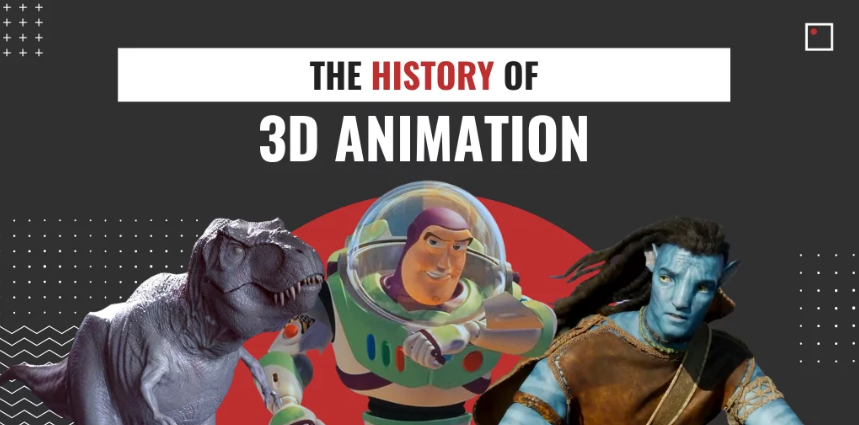
History of 3D animation
Difference between 2D & 3D
VFX & CGI in films & games
Animation pipeline overview
Pre-production to post-production stages
Importance of storytelling
Industry scope & demand
Types of animation (cartoon, realistic, hybrid)
Creative vs. technical roles
Career roadmap in animation & VFX
2. Fundamentals of Drawing & Concept Art
Basics of sketching & drawing
Human anatomy & proportion
Environment & background sketching
Color theory & psychology
Gesture & pose drawing
Character concept art
Thumbnail sketches
Mood boards & design ideas
Story-driven design creation
Finalizing concepts for modeling
3. 3D Modeling & Texturing
Introduction to 3D modeling
Polygon, NURBS & sculpting methods
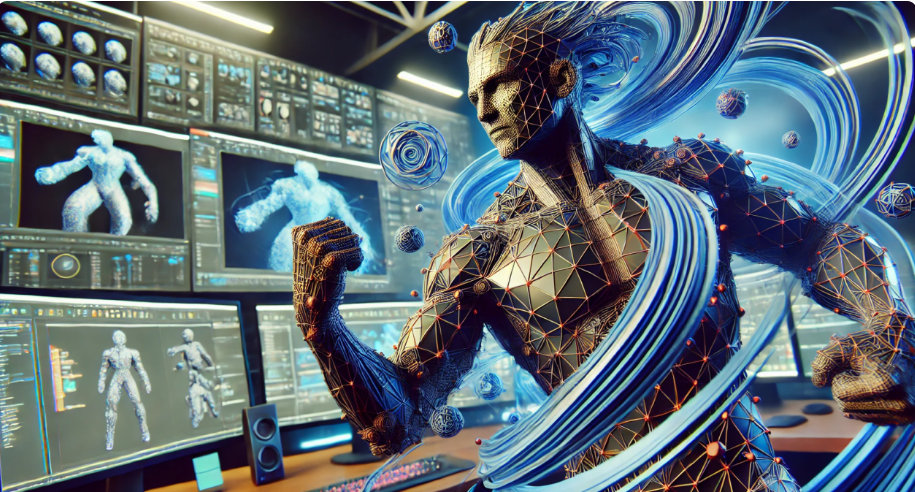
Character modeling
Environment & props modeling
Hard surface vs. organic modeling
UV mapping techniques
Texturing workflow
PBR (Physically Based Rendering) basics
Material creation (metal, glass, fabric, skin)
Realistic vs. stylized models
4. Rigging & Character Setup
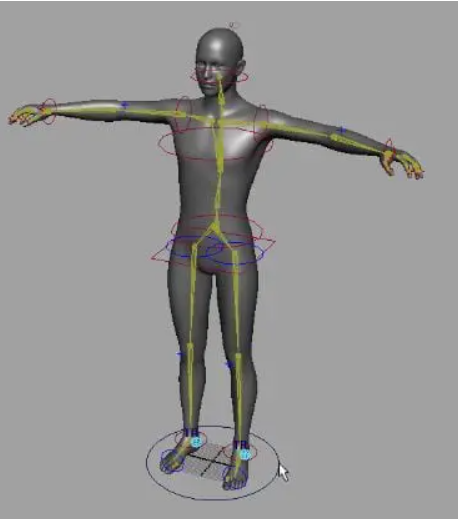
Skeleton creation
Joint hierarchy
Skinning techniques
Character rigging workflow
Facial rigging & expressions
IK & FK controls
Blend shapes for lipsync
Adding controllers for animators
Rig testing process
Advanced rigging for creatures
5. Lighting & Rendering
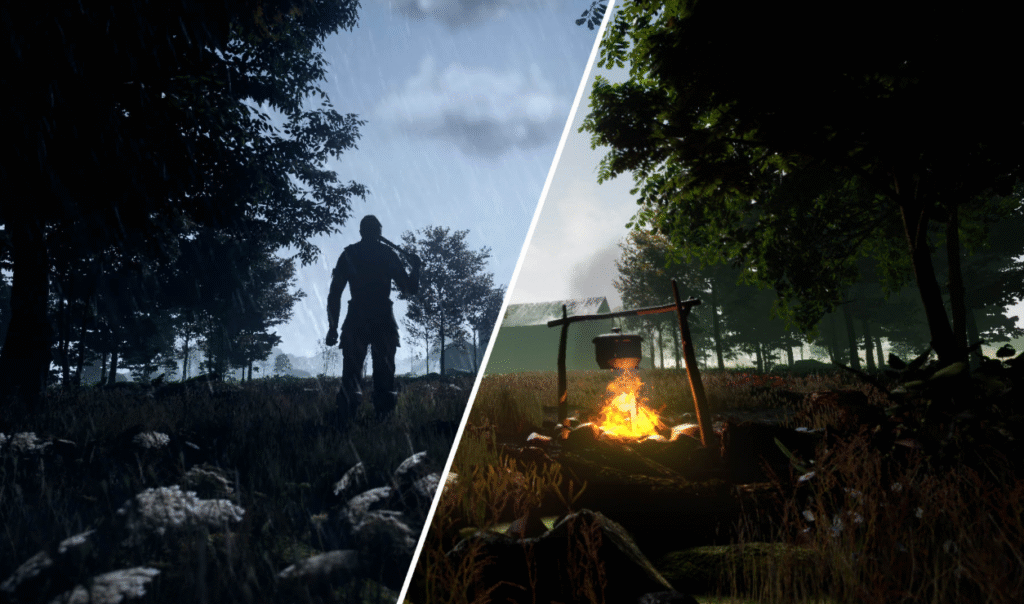
Basics of light in 3D
Types of lighting (key, fill, rim)
Global illumination
HDRI environment lighting
Realistic shadows creation
Rendering engines (Arnold, V-Ray, Cycles)
Render settings optimization
Batch rendering
Output formats for films/games
Final compositing-ready renders
6. Animation Principles in 3D
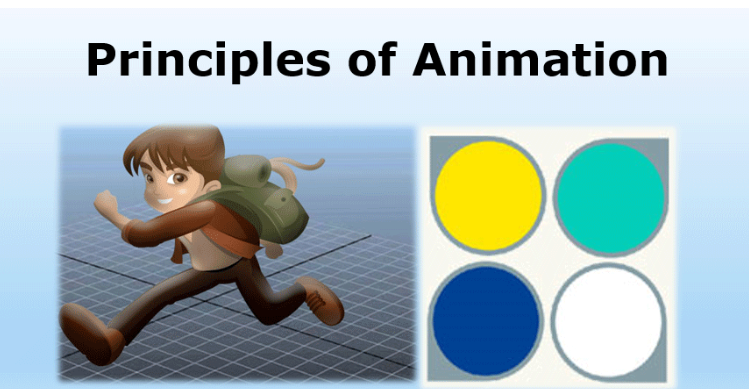
12 principles of animation (3D version)
Keyframing & timing
Walk cycles & run cycles
Character acting & expressions
Physics-based animation
Weight & balance
Secondary motion
Camera animation
Staging & cinematic shots
Demo scene animation
7. Visual Effects (VFX) Techniques
Introduction to VFX
Green screen & chroma keying
Rotoscoping basics
Tracking & match moving
Wire removal techniques
Compositing workflows
Matte painting basics
Fire, smoke & explosion effects
Water & particle simulations
CGI + live-action integration
8. CGI & Simulation Effects
Dynamics in 3D software
Cloth simulation
Hair & fur creation
Water simulation
Fire & smoke simulation
Particle systems basics
Crowd simulation
Physics-based destruction
Advanced fluid dynamics
Realistic CGI shots
9. Post-Production & Compositing
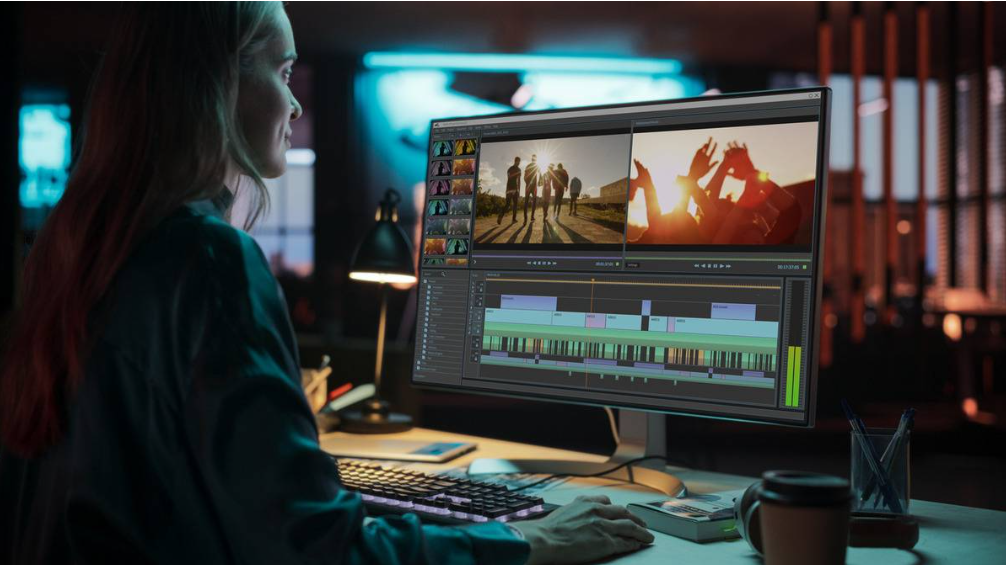
Video editing basics
Layer-based compositing
Using Adobe After Effects/Nuke
Color grading & correction
Motion tracking
Depth of field effects
Sound & VFX integration
Title & motion graphics
Exporting final compositions
Creating showreel-ready scenes
10. Final Project & Portfolio Development
Choosing project theme
Full short film/project execution
Character & environment design
Applying VFX & CGI effects
Adding sound & editing
Rendering & final output
Demo reel creation
Building a professional portfolio
Preparing resume & profile
Career guidance & freelancing tips
Why Choose ICC Computer Centre, Dwarka Mor?
Experienced & certified trainers
100% practical training on latest 3D Animation with VFX/CGI
Small batches for personal attention
Free study material & practice exercises
Flexible timings (Morning/Evening/Weekend)
Location advantage: Just 2 min walk from Dwarka Mor Metro Station
Who Can Join This Course?
Students (10th / 12th Pass) – Jo creative career chahte hain aur animation industry mein shuruat karna chahte hain.
College Graduates – Jinhe media, design, ya technology field mein specialization karna hai.
Aspiring Animators – Jo 3D modeling, character animation, aur VFX seekhna chahte hain.
Graphic Designers – Jo apne design skills ko advance karna chahte hain aur 3D/VFX add karna chahte hain.
Filmmaking Enthusiasts – Jinhe film production aur visual storytelling ka shauk hai.
Gaming Enthusiasts – Jo video games ke liye 3D assets aur environments design karna chahte hain.
Content Creators – YouTubers, Social Media Creators jo apne videos mein animation/VFX add karna chahte hain.
Working Professionals – Advertising, film, IT, aur design industry ke log jo career switch/upgrade karna chahte hain.
Freelancers – Jo animation aur VFX projects ke through online earning karna chahte hain.
Anyone Creative – Jo drawing, storytelling aur imagination ko 3D visuals mein convert karna chahte hain.
Course Duration & Mode of Learning
- Duration:12 months (can be customized)
- Mode: Classroom training at Dwarka Mor + Online classes available
- Flexible batch timings (morning/evening/weekend)
Career Opportunities After the Course
3D Animator – Creating character animations, environments, and cinematic scenes.
VFX Artist – Designing and integrating special effects like explosions, fire, water, and CGI in films/videos.
CGI Artist – Developing realistic 3D assets and visual effects for movies and commercials.
3D Modeler – Building 3D characters, props, vehicles, and environments.
Lighting & Rendering Artist – Specializing in photorealistic lighting and high-quality rendering.
Compositor – Blending CGI, VFX, and live-action footage into seamless visuals.
Rigging Artist – Creating skeletons and controls for characters and creatures.
Game Designer/Animator – Designing 3D characters, levels, and animations for video games.
Motion Graphics Designer – Creating animated titles, intros, and explainer videos.
Freelance Animator/VFX Expert – Offering services online on global platforms (Upwork, Fiverr, etc.).
FAQs (Frequently Asked Questions)
1. What is the eligibility for this course?
Anyone who has completed 10th, 12th, graduation, or is a working professional can join. Creativity and interest in animation are more important.
2. Which software will I learn in this course?
You will learn Autodesk Maya, Blender, 3ds Max, Houdini, Adobe After Effects, Nuke, and Photoshop
3. Will I get practical training?
Yes, 80% of the course is hands-on practical training with assignments, projects, and demo reels.
4. What industries hire animation and VFX professionals?
Industries include film production, gaming, advertising, OTT platforms, architecture, education, and digital marketing.