icccomputercentre.com

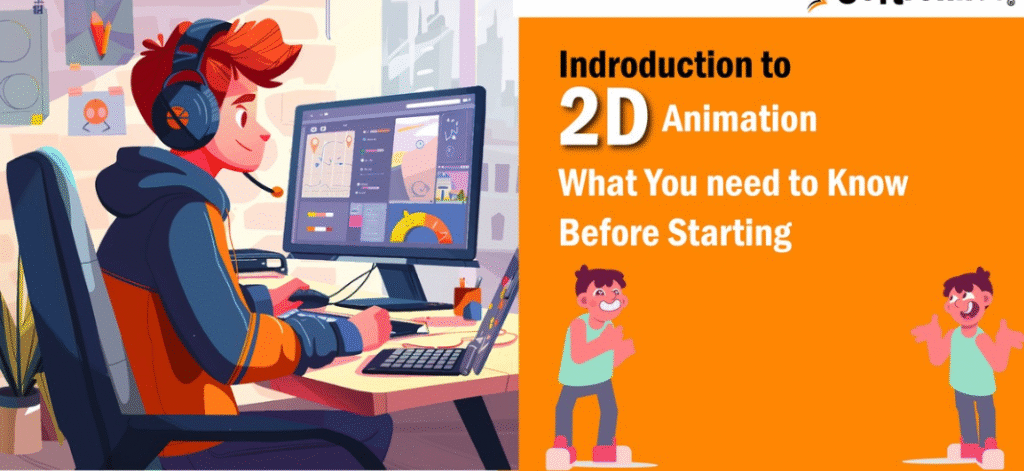
2D Animation

Master Tally with our expert-led Tally Prime Course in Dwarka Mor. Learn accounting, GST, payroll, and more with hands-on training and certification. Join now for career growth!

Course Overview

ICC Computer Centre, Dwarka Mor ka 2D Animation Course aapko traditional aur digital animation techniques sikhata hai jisme character design, storyboarding, background design, and frame-by-frame animation cover hota hai. Students Adobe Animate, Toon Boom Harmony, Photoshop, aur After Effects jaise professional tools use karna seekhenge. Course ka focus imagination ko visual storytelling mein convert karna hai, jisse students cartoons, explainer videos, advertisements, e-learning modules, and social media content create kar sakein. Practical assignments aur real-time projects ke through students apni creative aur technical animation skills develop karte hain.

Course Content

1. Introduction to 2D Animation

    • History of animation

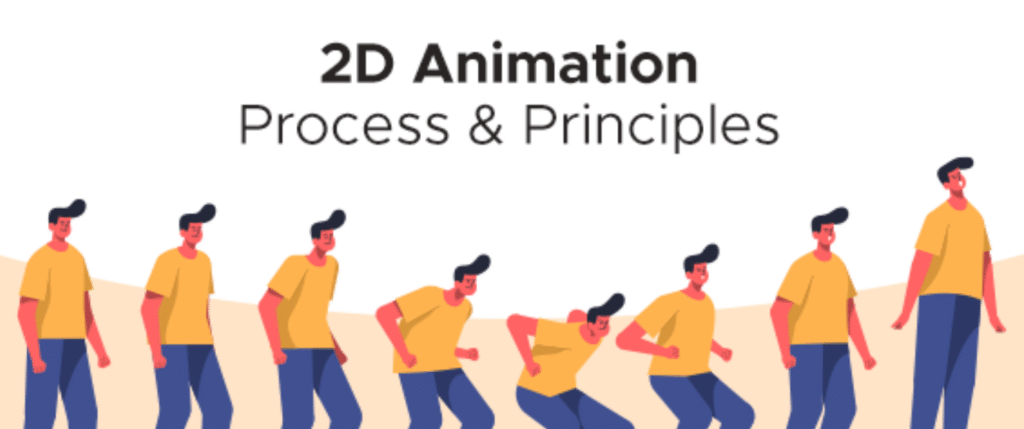
    • Principles of animation (12 principles)

    • Difference between 2D & 3D animation

    • Scope in industries

    • Animation workflow overview

    • Tools and techniques introduction

    • Traditional vs. digital methods

    • Animation pipeline stages

    • Storytelling basics

    • Creative thinking exercises

    • Line drawing & shapes

    • Character sketching

    • Gesture drawing

    • Expression design

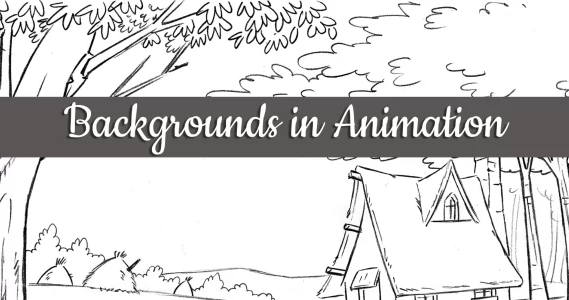
    • Background drawing basics

    • Perspective drawing

    • Silhouette drawing

    • Color theory basics

    • Proportions & anatomy

    • Concept art creation

    • Character development process

    • Facial design & expressions

    • Body structure & movement

    • Costume design

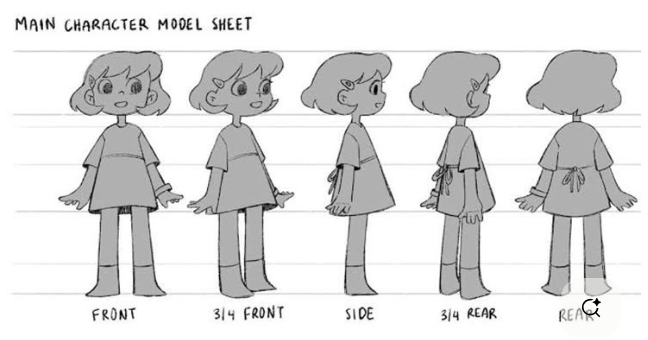
    • Character turnaround sheets

    • Props & accessories

    • Hero vs. side characters

    • Villain character styles

    • Color psychology in characters

    • Final digital character creation

    • Basics of script writing

    • Story structure & flow

    • Visual storytelling

    • Camera angles & shots

    • Dialogue writing basics

    • Scene planning

    • Sequencing

    • Storyboarding software

    • Script to storyboard conversion

    • Final storyboard presentation

    • Squash & stretch

    • Anticipation

    • Staging

    • Straight-ahead vs. pose-to-pose

    • Follow-through & overlapping

    • Slow in & slow out

    • Arcs in motion

    • Secondary action

    • Timing & spacing

    • Exaggeration & appeal

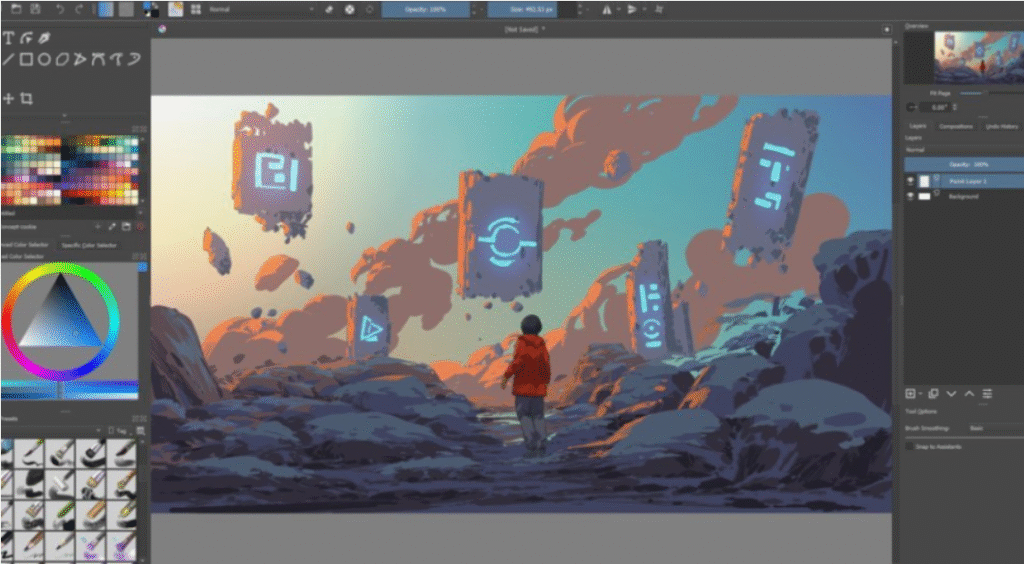
    • Adobe Animate basics

    • Toon Boom Harmony workflow

    • Photoshop for animation

    • After Effects introduction

    • Timeline & keyframes

    • Onion skinning technique

    • Rigging in 2D

    • Puppet tool basics

    • Exporting animations

    • File formats for web & video

    • Environment sketching

    • Background detailing

    • Scene setting

    • Perspective grids

    • Layering in backgrounds

    • Digital coloring

    • Lighting & shadows

    • Atmospheric effects

    • Integration with characters

    • Final background rendering

    • Basics of sound design

    • Adding dialogues

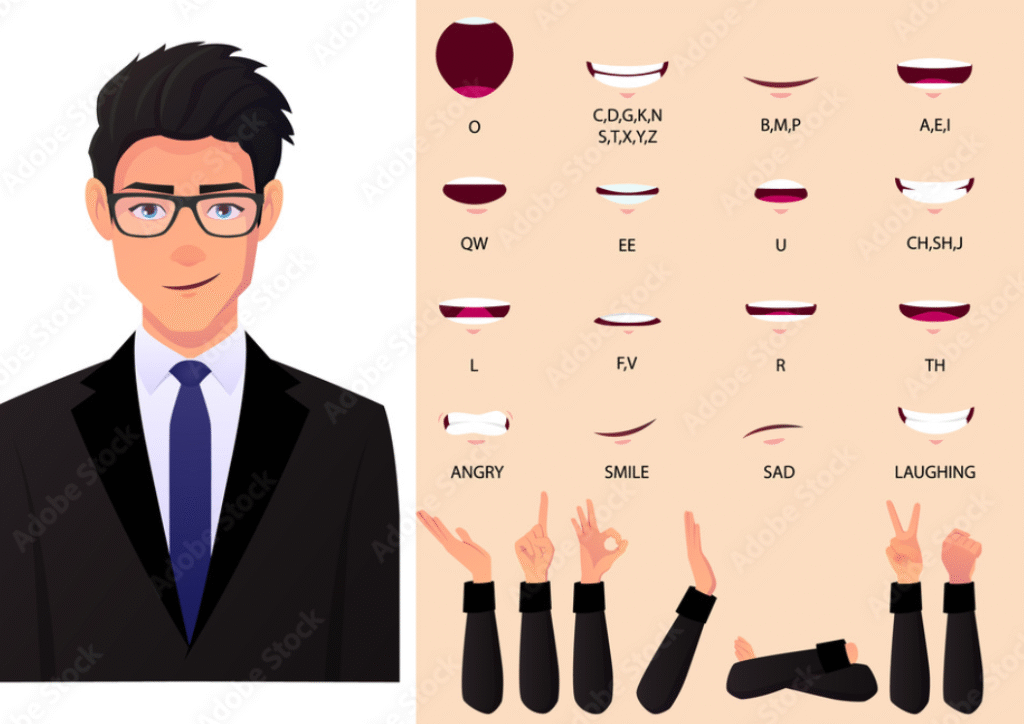
    • Lip-sync techniques

    • Phoneme mouth chart

    • Background music integration

    • Timing with dialogues

    • Adding sound effects (SFX)

    • Syncing audio to keyframes

    • Audio editing software basics

    • Final mixing & exporting

    • Fire, water, smoke animation

    • Explosions & particles

    • Weather effects (rain, snow, wind)

    • Magic & fantasy effects

    • Transitions

    • Glow effects

    • Lighting animation

    • Camera panning & zoom

    • Speed lines for action scenes

    • Final scene compositing

    • Choosing project theme

    • Full character animation project

    • Scene-by-scene breakdown

    • Applying storytelling techniques

    • Integrating audio & effects

    • Editing & final rendering

    • Building a demo reel

    • Creating portfolio website

    • Preparing for job interviews

    • Freelance project guidance

Why Choose ICC Computer Centre, Dwarka Mor?

  • Experienced & certified trainers

  • 100% practical training on latest Tally Prime version

  • Small batches for personal attention

  • Free study material & practice exercises

  • Flexible timings (Morning/Evening/Weekend)

  • Location advantage: Just 2 min walk from Dwarka Mor Metro Station

Who Can Join This Course?

  • Students from commerce or non-commerce background
  • Job seekers looking for accounting roles
  • Small business owners who want to manage accounts themselves
  • Professionals who want to upgrade skills

Course Duration & Mode of Learning

  • Duration: 2 months (can be customized)
  • Mode: Classroom training at Dwarka Mor + Online classes available
  • Flexible batch timings (morning/evening/weekend)

Career Opportunities After the Course

  • Accountant
  • GST Executive
  • Data Entry Operator
  • Tally Operator
  • Accounts Assistant in small and medium businesses

FAQs (Frequently Asked Questions)

1. Kya ye course freelancing ke liye helpful hai?

  • Bilkul, aap Upwork, Fiverr, aur Freelancer jaise platforms par projects le sakte ho.

  • Haan, 2D animation ke basics 3D ke liye strong foundation banate hain.

  • Haan, aapko 12 principles of animation detail me practically sikhaye jaate hain.

  • Haan, students ko real-world animation projects aur assignments diye jaate hain.

Scroll to Top